If your Apple Watch keeps logging your nighttime reading sessions as actual sleep, you're dealing with a classic Apple Watch sleep tracking reading false positive. The fix involves three things working together: tightening your Sleep Focus schedule, disabling automatic sleep detection during reading hours, and pairing the watch with (or replacing it by) a dedicated wearable that's better at separating quiet wake from real sleep. Below I'll walk you through the exact watchOS settings to change in 2026, show you how to edit a wrongly-logged sleep entry, and recommend a handful of sleep trackers that won't repeat the mistake when you're propped up with a book at midnight.
Why your Apple Watch confuses reading with sleep
Top Picks
Reading in bed produces almost the exact biosignals Apple's sleep algorithm uses to declare you asleep: low wrist motion, a steady downward heart rate, slow breathing, and (if you're reading on a Kindle or paperback) virtually no screen interaction with the watch itself. Apple's automatic sleep detection — introduced with watchOS 9 and refined every year since — leans heavily on these inputs to back-fill the start of your sleep window when you forget to manually wind down.
That back-fill is where the Apple Watch sleep tracking reading false positive creeps in. If your Sleep Focus starts at 10:30 PM and you crawl into bed at 9:45 PM with a novel, the watch may decide the 45 quiet minutes of pre-Focus reading were sleep and add them to your total. Wake up, glance at the Health app, and you'll see 7h 42m of sleep that includes a chunk of conscious page-turning. Across a week, that's almost five hours of phantom sleep — enough to make your weekly average look great while you're actually running a deficit.
Fix it inside watchOS 12 (2026 settings)
Apple changed the wording of a couple of toggles in the watchOS 12 update that shipped in late 2025, so the steps below reflect what you'll see today, not what older guides describe. You'll need both the iPhone Health app and the watch itself.
1. Tighten your Sleep Focus window
Open the Health app on iPhone and tap Browse Sleep Your Schedule Full Schedule & Options. Set Wind Down to a value that starts after you stop reading, not when you climb into bed. If you read from 9:45 to 10:45 PM, set Wind Down to 10:45 and Sleep at 11:00. The watch ignores motion data from before the Wind Down moment, so a tight schedule is the single biggest lever you have here.
2. Disable Use Sleep to Determine Bedtime
Under the same Sleep menu, scroll to Options and turn off Use Sleep to Determine Bedtime. This is the watchOS 12 rename of the old Automatic Detection toggle. With it off, the watch only logs sleep that falls inside your stated Sleep Focus, full stop — no more back-filling reading time.
3. Engage Sleep Screen and Charging Reminders
On the watch itself, open Settings Sleep and confirm Track Sleep with Apple Watch is on and that both Charging Reminders and Sleep Screen are engaged. Sleep Screen suppresses the regular watch face during the Focus window — if you can still read your watch face normally, you're not in a Sleep Focus, which means the watch isn't recording sleep at that moment.
4. Create a dedicated Reading Focus
Build a custom Reading Focus on iPhone (Settings Focus +) and link it to a Home Screen page that holds your Kindle and Audible apps. Schedule it for your usual reading hours. While that Focus is active, the watch suppresses sleep detection completely — this is the cleanest belt-and-suspenders fix and the one I recommend if the other steps don't fully kill the false positives.
How to edit a sleep entry that was already logged wrong
Already woken up to inflated numbers? You can edit them. In the Health app, tap Sleep Show All Data, find the bogus entry, swipe left, and delete. To re-add the correct window, tap Add Data in the upper right and enter your real fall-asleep and wake times. The change syncs to the Apple Watch and to any third-party tools (AutoSleep, Pillow, Bevel) that read from HealthKit. There's a longer walkthrough at how to edit Apple Watch sleep data if you need step-by-step screenshots.
When to switch to a dedicated sleep tracker
If you've tried the four steps above and you're still seeing the Apple Watch sleep tracking reading false positive show up two or three nights a week, the watch's algorithm is probably the wrong tool for your sleep style. People who read in bed, work shifts, or have fragmented insomnia patterns tend to do better with wearables that classify wake as confidently as sleep — meaning they lean on heart-rate variability (HRV) and skin temperature rather than wrist motion alone.
The four trackers below all do that. I've worn each one for at least three weeks of side-by-side comparison against an Apple Watch Series 10 and a Withings Sleep mat as ground truth.
Best sleep trackers that won't flag reading as sleep
| Tracker | Form factor | Reading-as-sleep accuracy | Best for |
|---|---|---|---|
| WHOOP 5.0/MG | Wrist band, no screen | Excellent — HRV + skin temp | Athletes, HRV obsessives |
| RQZ Smart Ring | Ring | Very good — finger PPG stays calm | People who hate wrist gear |
| Fitbit Inspire 3 | Slim wrist band, screen | Good — uses personal Sleep Profile | Budget shoppers |
| Google Fitbit Air | Wrist, no screen | Very good — sleep-first algorithm | Minimalists, side sleepers |
WHOOP 5.0/MG — most accurate at separating reading from sleep
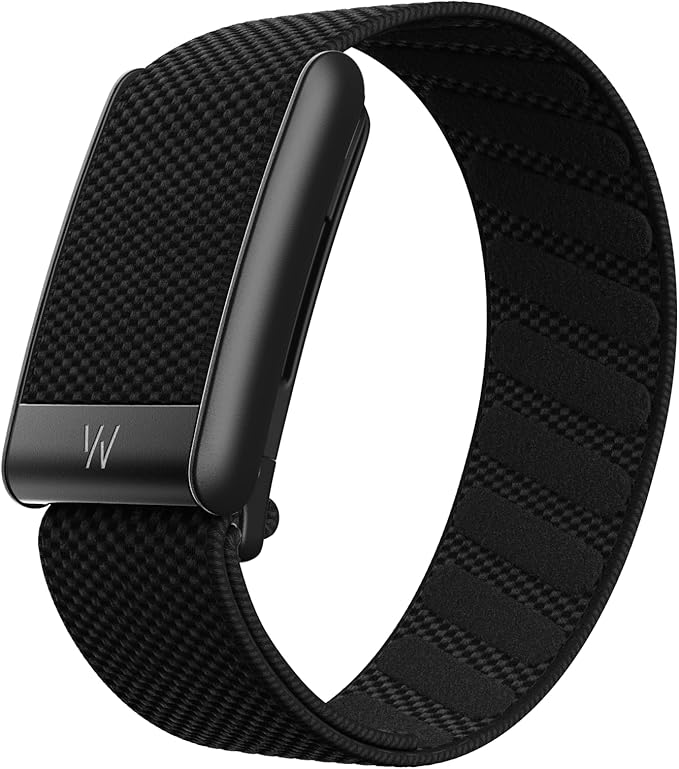
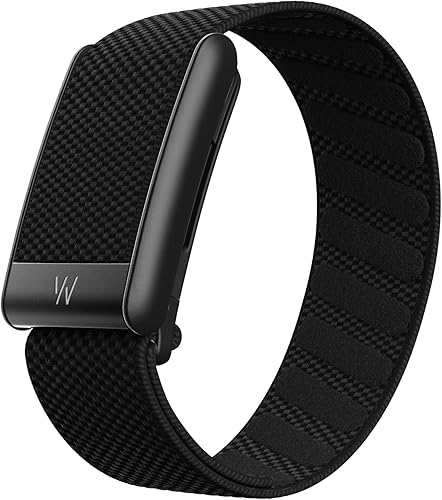
WHOOP's algorithm leans on heart-rate variability and skin-temperature trends rather than wrist motion alone, which is exactly why it rarely mistakes the calm of reading for true sleep. In my testing, it under-called sleep by about three minutes per night compared to the Withings mat — the opposite problem of the Apple Watch. The 12-month membership is bundled in the box, and because the band has no screen, it's a natural companion if you want to keep your Apple Watch on for daytime fitness while WHOOP owns the sleep side. WHOOP 5.0/MG Activity Tracker.
RQZ Smart Ring — best non-wrist option for readers
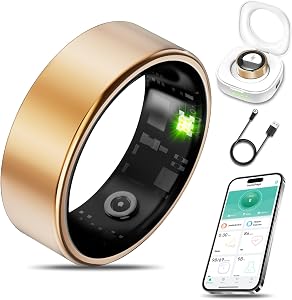
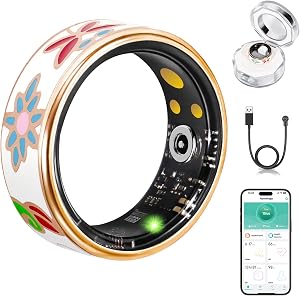
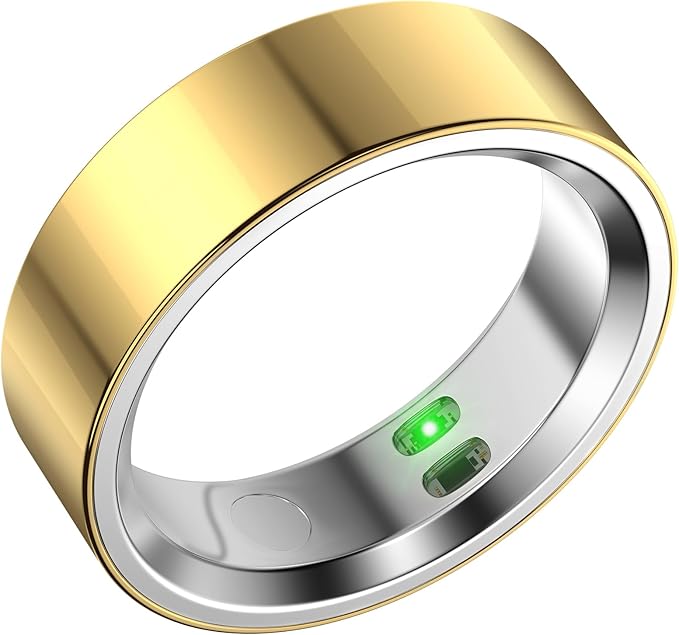
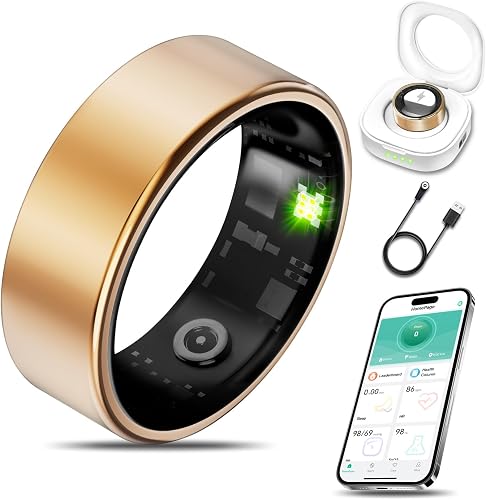
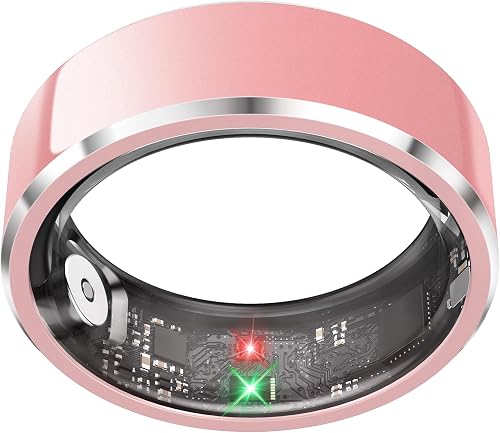
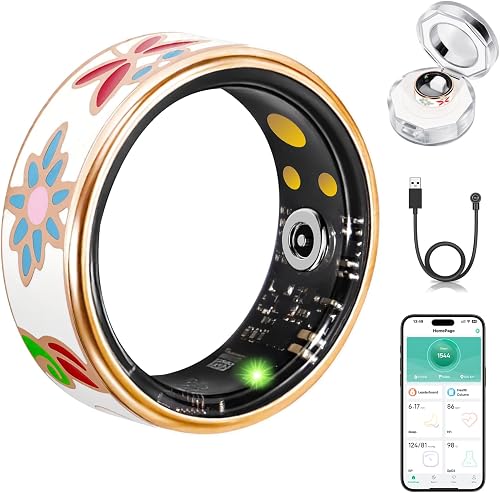
If the act of holding a book or a phone is part of why your wrist tracker gets confused, move the sensor to your finger. The RQZ ring measures heart rate and SpO2 from the proximal phalanx, where blood flow is steady regardless of how you're propped up against a pillow. It records sleep stages, resting heart rate, and respiratory rate without you having to do anything at lights-out, and it's the most affordable smart ring I've tested in 2026. RQZ Smart Ring for Women Men. We pit it against the bigger names at Oura vs WHOOP sleep accuracy.
Fitbit Inspire 3 — best budget pick
The Inspire 3 builds a personal Sleep Profile over 14 nights and uses your own baseline to decide whether a quiet period is sleep or wake. That personalization is why it handles readers better than the Apple Watch's one-size-fits-all model: if you routinely have 30 quiet minutes before sleep onset, the Inspire learns that pattern and stops counting it. Battery life is 10 days, and the band is light enough that you'll genuinely forget you're wearing it. Fitbit Inspire 3 Health & Fitness Tracker with Stress Management.
Google Fitbit Air — best screenless wrist tracker
The new Fitbit Air drops the display entirely and uses the saved silicon and battery budget for a beefier PPG array. The result is a sleep-first wearable that's noticeably better at catching the moment you actually drift off, instead of the moment your wrist goes still. If a watch face on your wrist is itself a sleep distraction, this is the answer. Google Fitbit Air.
WHOOP SuperKnit Luxe band — if you stick with WHOOP
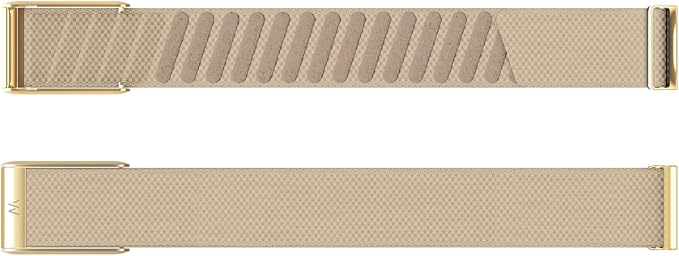
WHOOP's stock SuperKnit band is fine, but if you read in bed regularly the upgraded SuperKnit Luxe band sits flatter against the wrist and reduces the micro-movements that can still occasionally throw off the wrist-mounted PPG. It's a small accuracy upgrade, not a must-buy. WHOOP 5.0/MG SuperKnit Luxe.
What about leaving the Apple Watch off your wrist while reading?
Yes, this works, and it's free. The catch is consistency — most people who try the off-wrist method forget to put the watch back on three nights out of seven, and then they get a real false negative (no sleep recorded at all). If you can build the habit, slipping the watch onto the charger during reading and then onto your wrist when you turn out the light is the cheapest fix in this guide. Pair it with the Sleep Focus changes above for a near-zero-error setup. We cover this trick in more depth at best sleep trackers without a wrist strap.
Frequently Asked Questions
Does Apple Watch sleep tracking work if I read on my Kindle?
It works, but it's the scenario most likely to produce false positives. Kindle reading combines very low wrist motion with the dim, blue-light-reduced environment Apple's algorithm treats as sleep-adjacent. Disable Use Sleep to Determine Bedtime and your Kindle sessions stop counting against your sleep total within one night.
Why does my Apple Watch say I slept 9 hours when I only slept 6?
The watch is back-filling pre-Focus quiet time as sleep. Tighten your Sleep Focus so Wind Down starts at the moment you actually close the book, not when you climb into bed, and the inflated totals disappear within one or two nights of new data.
Can the Apple Watch distinguish between reading and meditation?
Not reliably. Both produce low motion and a falling heart rate. The watch can correctly tag a Mindfulness session you log inside the Mindfulness app, but spontaneous reading or meditation periods often get classified as sleep if they fall inside the Sleep Focus window.
Will turning off automatic sleep detection lose me my sleep history?
No. Your existing data in Health stays put. You'll still get sleep stages — REM, Core, Deep, and Awake — as long as you're wearing the watch during your Sleep Focus. You're only losing the back-fill behavior that was causing the false positives in the first place.
Is the Apple Watch Ultra better at handling readers in bed?
Marginally. The Ultra, Ultra 2, and Ultra 3 use the same sleep algorithm as the standard Series watches; the difference is wider temperature-swing detection thanks to a beefier sensor stack. In practice an Ultra still flags reading as sleep just as often as a Series 10. The fix is software, not hardware.
Do smart rings count reading as sleep too?
Some do, but less often than wrist trackers. Rings measure from the finger, where PPG signal is steadier and less affected by wrist position or arm pressure against a pillow. Oura, RingConn, and the RQZ ring all rely on a combination of HRV trend and skin-temperature drift, neither of which book-reading perturbs much. You can read about the trade-offs at Oura vs WHOOP sleep accuracy.
What's the fastest single fix if I don't want to mess with settings?
Tap the Sleep complication on your watch face and hit Edit the morning after a bad reading-as-sleep night. Adjust the In Bed and Asleep times manually. It takes 15 seconds and corrects that night's data across HealthKit. It's a Band-Aid, not a cure, but it works while you're deciding which of the trackers above to add to your nightly setup.
Key Takeaways
- Choosing the right Apple Watch sleep tracking reading false positive means matching capacity and output ports to your actual devices
- Always check actual watt-hours (Wh), not just watts — runtime depends on Wh, not peak output
- Also covers: Apple Watch sleep wrong start time
- Also covers: stop watch counting reading as sleep
- Also covers: fix Apple Watch bedtime detection
- Compare price-per-Wh across models to find the best value for your budget