You can monitor potential sleep apnea symptoms with your Apple Watch by combining the Sleep app, Breathing Disturbances metric (Apple Watch Series 10 and Ultra 2), nightly blood oxygen samples, and heart rate variability trends. While none of these features deliver a clinical diagnosis, apple watch sleep apnea tracking at home gives you weeks of structured data to share with a sleep physician. In 2026, this approach is more accurate than ever thanks to refined breathing-rate algorithms and tighter overnight SpO2 sampling. Below, we break down exactly which metrics matter, how to set them up, and which companion devices reinforce the picture.
What sleep apnea looks like to your wrist
Obstructive sleep apnea (OSA) is defined clinically by repeated airway collapses that cause oxygen desaturation, micro-arousals, and disrupted sleep architecture. Your Apple Watch cannot see your airway, but it can pick up the downstream signatures of these events: brief drops in blood oxygen, sudden jumps in heart rate, restless wrist movement consistent with arousals, and inconsistent breathing rates. When stitched together night after night, those proxies form a reasonably strong screening signal.
Apple introduced its dedicated Breathing Disturbances metric on the Series 10 and Ultra 2 in late 2024, and the FDA cleared the Sleep Apnea Notification feature shortly after. In 2026, the algorithm flags users who experience elevated breathing disturbances across a 30-night window, mirroring the screening logic clinicians use during a Type IV home sleep test.
Setting up apple watch sleep apnea tracking at home
To make your apple watch sleep apnea tracking at home actually useful, you need three things turned on before bed: a Sleep Schedule, Sleep Focus, and overnight Blood Oxygen sampling (re-enabled on Series 10 and Ultra 2 hardware in the US after the 2024 software workaround, and already standard elsewhere).
- Open the Health app on iPhone, tap Browse, then Respiratory, and enable Breathing Disturbances.
- Inside the Sleep section, set a consistent bedtime and wake time so the Watch can build a baseline.
- Enable Sleep Focus and switch on Track Sleep with Apple Watch in the Sleep app's settings.
- Wear the Watch snugly on the wrist with Wrist Detection on; a loose band will skew SpO2 readings high.
- Charge during your evening routine so you start the night at 100% — overnight tracking eats roughly 15-20% battery.
Give the algorithm 30 nights before drawing conclusions. The Sleep Apnea Notification only triggers after the Watch has observed a multi-week pattern, which avoids false positives from a bad night of cold-and-flu congestion or alcohol-induced snoring.
Reading the data: which metrics actually matter
When you open the Health app each morning, focus on four numbers:
- Breathing Disturbances — categorized as Elevated or Not Elevated. Several consecutive Elevated nights warrant a closer look.
- Overnight Blood Oxygen — healthy averages sit at 95-100%. Repeated dips below 90% during sleep are a classic OSA flag.
- Heart Rate Dips — the Watch's sleeping heart rate chart should show a smooth dip of 10-20 bpm below your daytime resting rate. Frequent sharp spikes can correlate with arousal events.
- Respiratory Rate — normal adults breathe 12-20 times per minute at rest. High variability or sustained increases are a yellow flag.
Apple's data is a starting point, not a verdict. For a fuller picture, many users layer in a second wearable that records different physiology — a finger or chest SpO2 sensor often catches dips the wrist sometimes misses, and a smart ring captures movement and HRV from a totally different anatomical site. For more on that tradeoff, see our guide to pulse oximeters vs. smartwatch SpO2.
Comparison: Apple Watch vs. dedicated sleep wearables in 2026
| Device | SpO2 sampling | Sleep staging | Battery | Best for |
|---|---|---|---|---|
| Apple Watch Series 10 / Ultra 2 | Periodic + on-demand | 4 stages (motion + HR) | ~18-36 hrs | iPhone users who already own one |
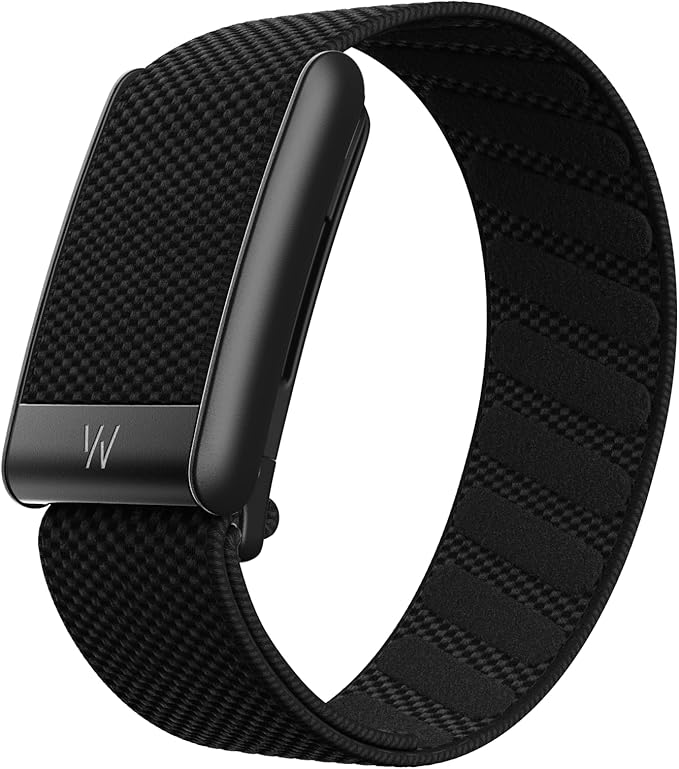
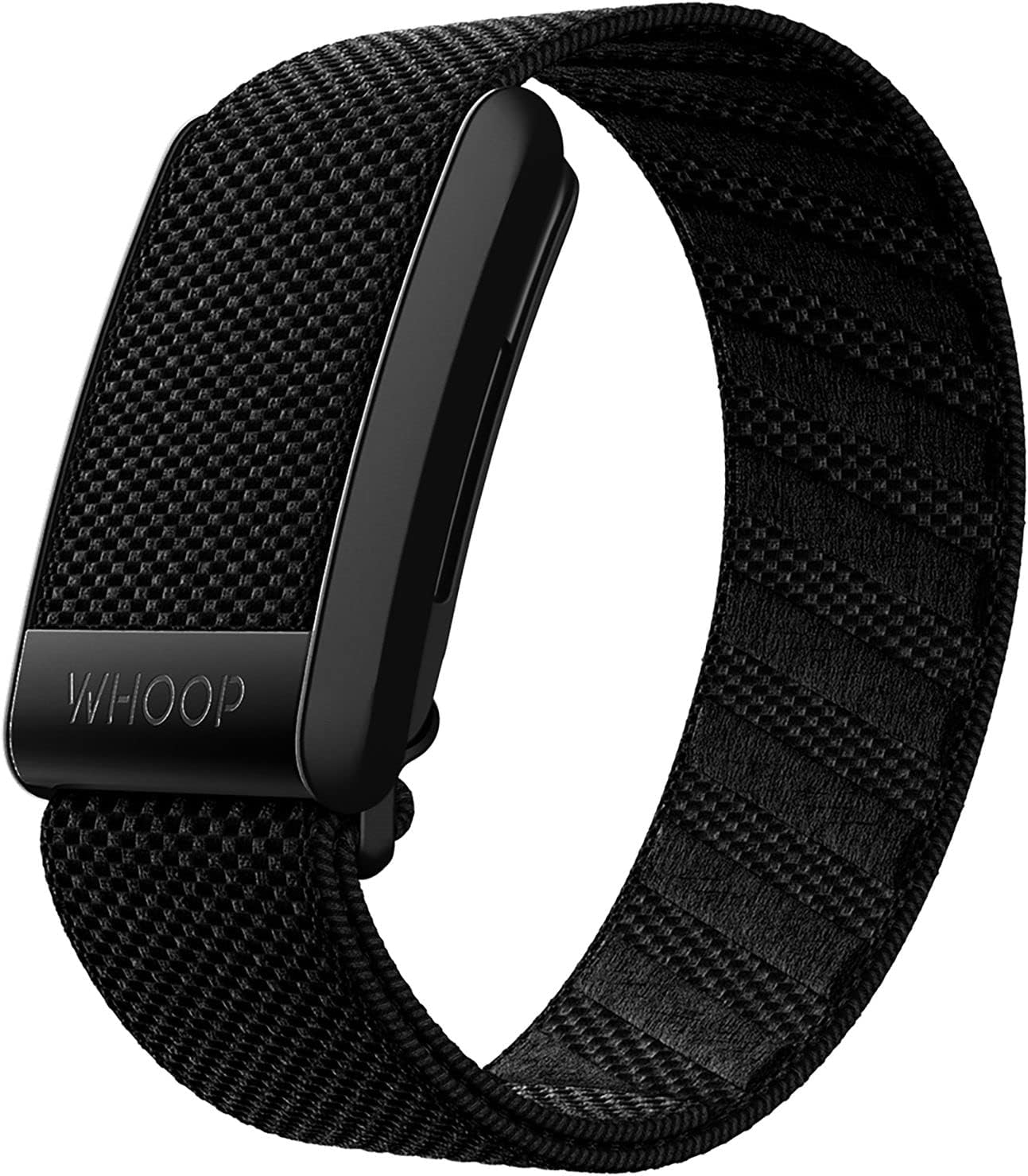
| WHOOP 5.0 / MG | Continuous overnight | 4 stages, HRV-weighted | ~14 days | Long-term trend data |
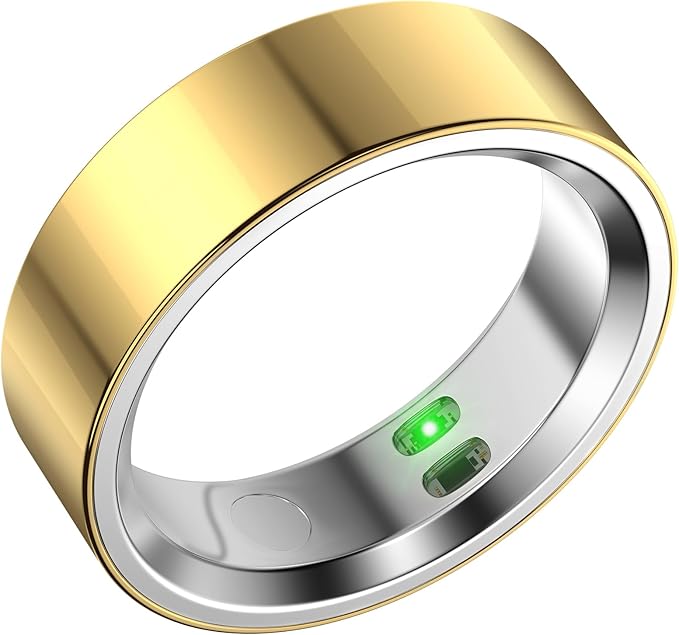
| RQZ Smart Ring | Spot-check SpO2 | 4 stages, finger PPG | ~5-7 days | Sleeping without wrist hardware |
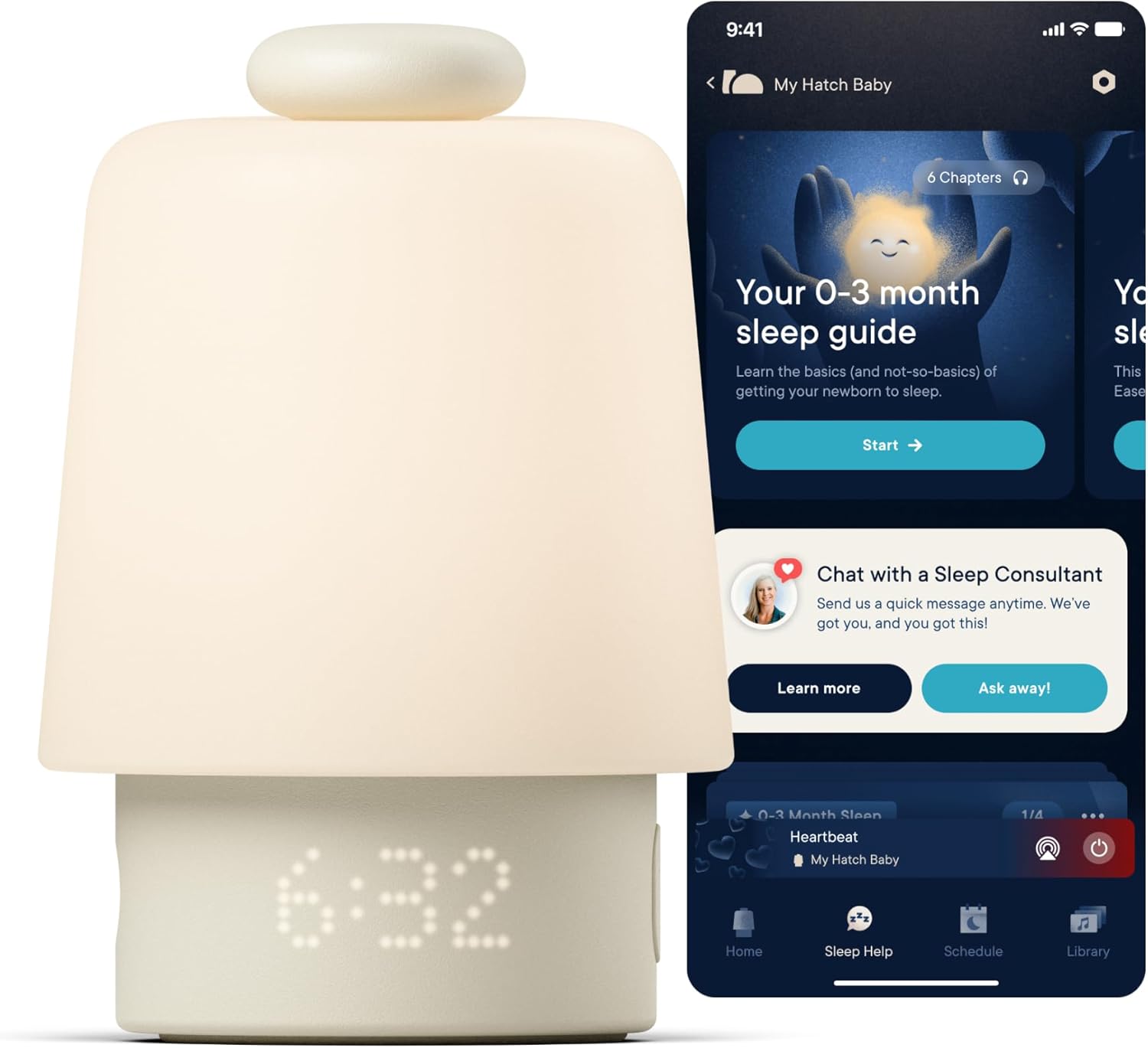
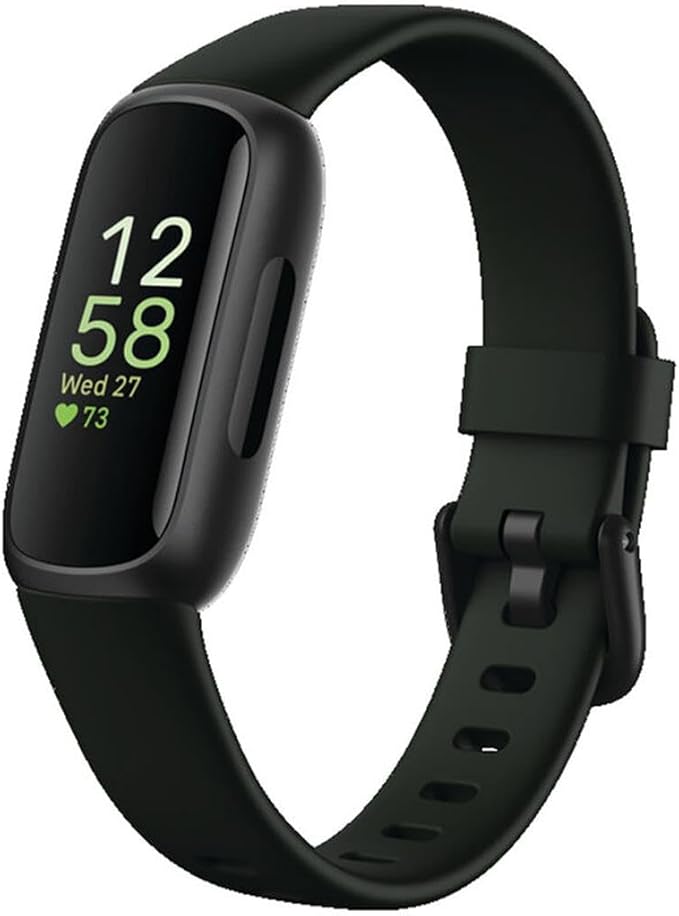
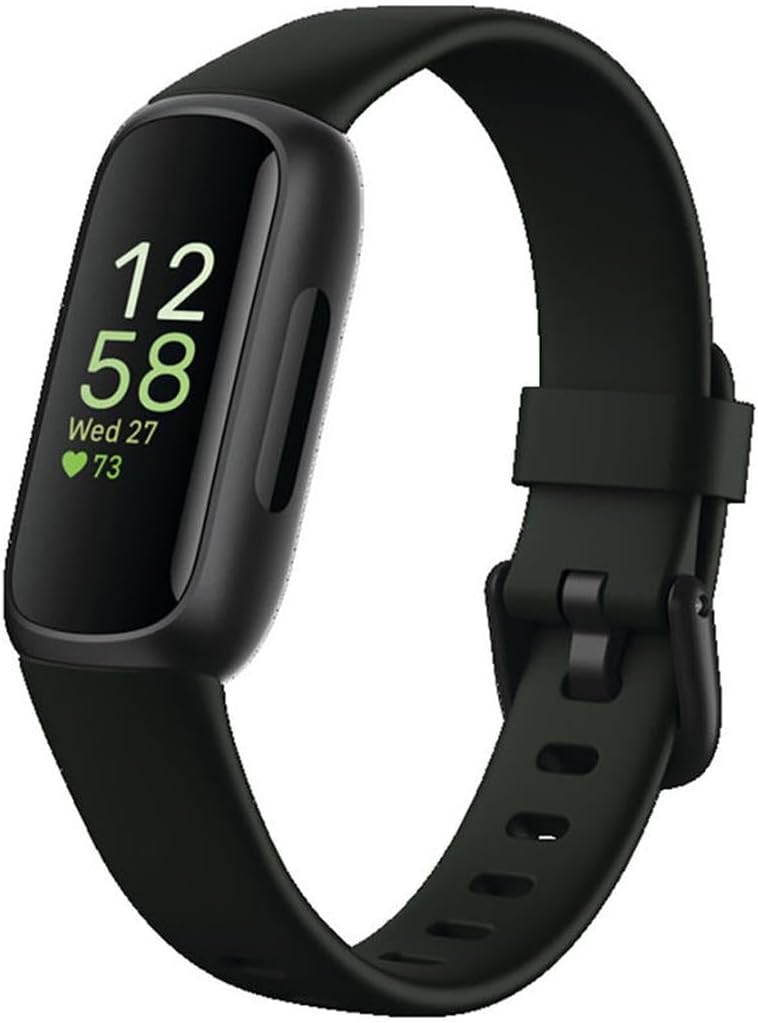
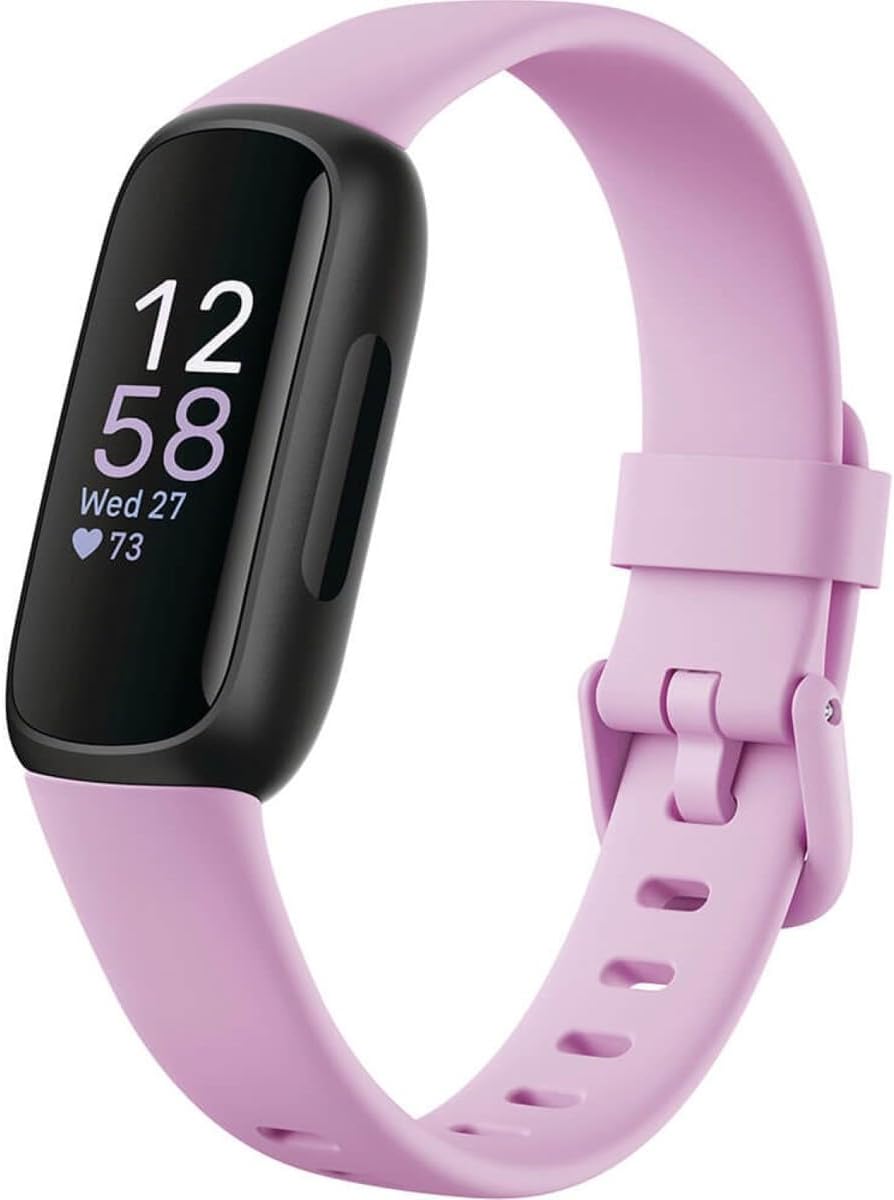
| Fitbit Inspire 3 | Estimated nightly avg | 4 stages + Sleep Score | ~10 days | Budget longitudinal data |
| Google Fitbit Air | Estimated nightly avg | Sleep Score + duration | ~10 days | Screenless, low-distraction tracking |
Companion wearables that strengthen apple watch sleep apnea tracking at home
If you're serious about building a screening picture, pairing the Watch with a second sensor is one of the highest-value moves you can make. Each of the devices below records something the Watch either misses or smooths over, and stacking two independent algorithms is the single best way to weed out false positives before you book a sleep clinic visit.
WHOOP 5.0 / MG Activity Tracker
WHOOP's strap reads continuously through the night at a higher SpO2 sampling rate than most wrist wearables, and its HRV-weighted sleep staging tends to catch fragmented sleep that Apple's motion-based logic misses. The included 12-month membership unlocks the Sleep Performance and Recovery scores, which are useful for spotting the next-day fatigue that accompanies untreated apnea. Because there's no screen, WHOOP avoids the wake-disrupting glow that can confound Apple Watch readings on the same wrist. View the WHOOP 5.0/MG on Amazon.
RQZ Smart Ring
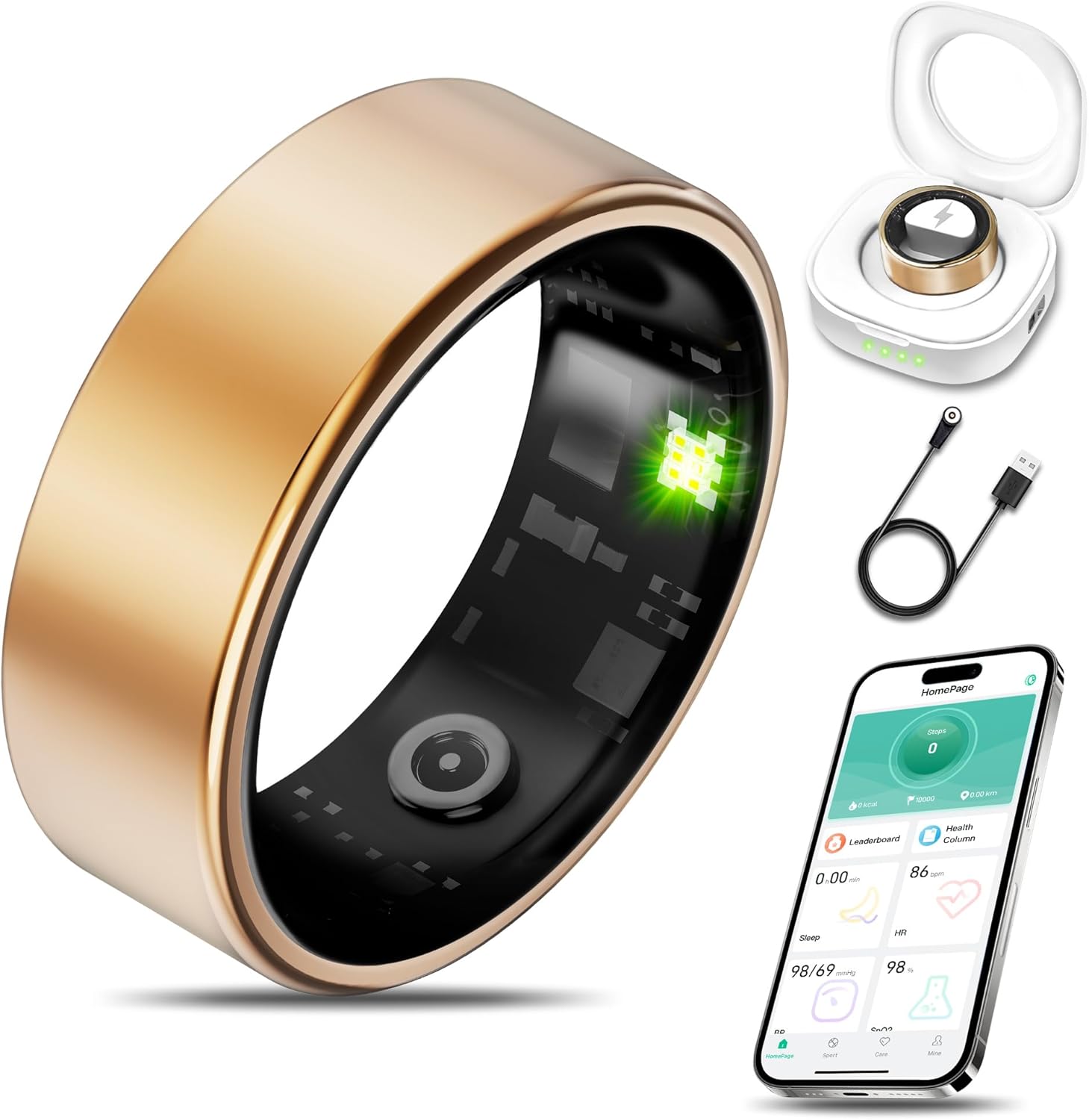
The RQZ Smart Ring captures heart rate, HRV, and sleep stages from the finger — anatomically a stronger photoplethysmography site than the wrist. For sleep-apnea screening, that means cleaner heart-rate data during the small-hours arousal events that wrist sensors sometimes blur. It's also the most comfortable option for side sleepers, who often find their Apple Watch presses uncomfortably into a forearm during long nights. Check the RQZ Smart Ring on Amazon.
Fitbit Inspire 3
If you want a budget cross-check, the Inspire 3 produces a nightly Sleep Score (0-100) and an Estimated Oxygen Variation chart specifically built to flag potential breathing disturbances. Stacking Fitbit's score against Apple's Sleep stages over a month is a cheap way to confirm whether the elevated Breathing Disturbances flag is showing up across two independent algorithms. The featherweight band also won't bother sleepers who hate bulky wrist hardware. See the Fitbit Inspire 3 on Amazon.
Google Fitbit Air Screenless Activity & Sleep Tracker
The new screenless Fitbit Air is designed for people who hate sleeping with a glowing display. It records the same Estimated Oxygen Variation curves as the rest of the Fitbit lineup and pushes data to your phone in the morning. Pair it with the Apple Watch on alternating nights to build a 60-night data set without doubling your wrist load — an underrated trick for catching intermittent apnea patterns. View the Fitbit Air on Amazon.
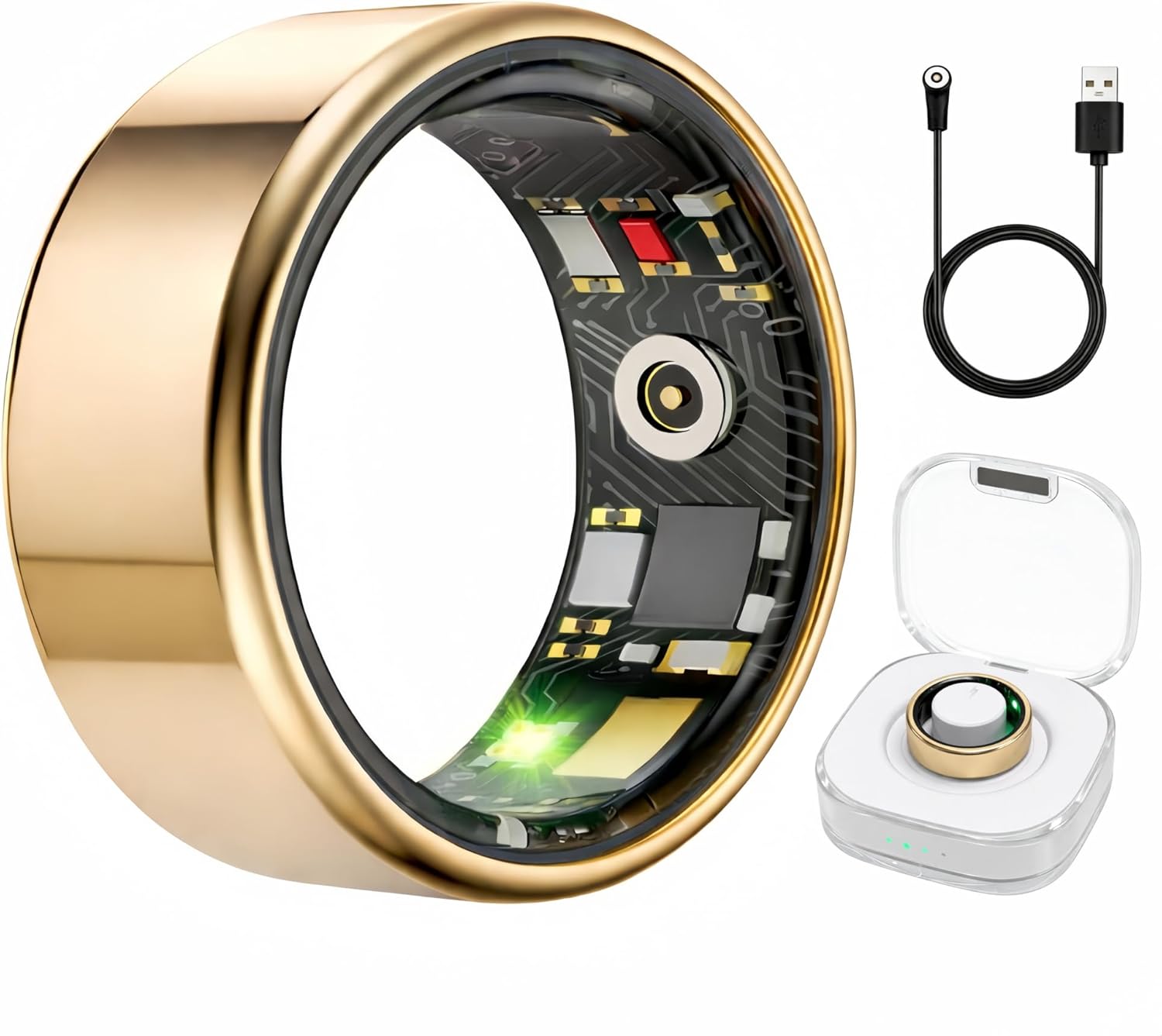
Smart rings deserve a special mention for sleep tracking. They sit on a finger rather than a wrist, which removes mechanical noise from a dominant hand and improves overnight SpO2 fidelity. Our roundup of the best smart rings for sleep tracking in 2026 goes deeper on the tradeoffs.
When at-home tracking isn't enough
If your Apple Watch flags repeated Elevated Breathing Disturbances, you wake with morning headaches, your partner reports loud snoring or gasping, or you experience persistent daytime sleepiness, escalate to a clinical evaluation. A home sleep test (HST) prescribed by a sleep physician is the most common next step — single-night tests measure airflow, chest movement, and SpO2 with sensors the Apple Watch simply cannot replicate. Your weeks of wearable data are still incredibly useful here: they let the clinician see whether your Watch results were consistent or sporadic, and many sleep physicians now accept exported PDFs from the Health app as part of intake.
Wearables also help post-diagnosis. If you're prescribed a CPAP, comparing your pre- and post-treatment Sleep Score, breathing disturbance frequency, and HRV trends shows you within a week whether the therapy is working. That feedback loop is something tracking HRV during sleep has made dramatically more accessible in the last two years.
Frequently Asked Questions
Can Apple Watch officially diagnose sleep apnea?
No. The Sleep Apnea Notification feature is FDA-cleared as a screening tool, not a diagnostic test. It can identify users likely experiencing moderate-to-severe obstructive sleep apnea, but a sleep physician must confirm the diagnosis via a home sleep test or in-lab polysomnography before any treatment is prescribed.
Which Apple Watch models support sleep apnea tracking in 2026?
The dedicated Breathing Disturbances metric and Sleep Apnea Notification work on Apple Watch Series 9, Series 10, Series 11, Ultra 2, and Ultra 3 running watchOS 11 or later. Older models still capture sleep stages, heart rate, and respiratory rate, which form a useful — if less complete — screening picture.
How accurate is Apple Watch sleep apnea tracking compared to a home sleep test?
Apple's validation study showed the algorithm correctly identified moderate-to-severe OSA in roughly two-thirds of cases when tested against a polysomnography reference. That's strong for a screener but well below the 90%+ accuracy of a clinical home sleep test, so treat the Watch as an early-warning system rather than a verdict.
Do I need to wear my Apple Watch every single night?
For the Sleep Apnea Notification to trigger, the Watch needs at least 10 nights of qualifying sleep data over a 30-day window. Nightly wear gives the cleanest signal, but missing a night or two won't reset the trend or invalidate your data.
Can a smart ring replace my Apple Watch for sleep apnea tracking?
A finger-worn ring like the RQZ Smart Ring often captures cleaner SpO2 and heart-rate data than a wrist wearable, but rings don't currently have an FDA-cleared sleep apnea notification of their own. The best approach is to use both — the Watch for the alert, the ring for cross-validation. See our Fitbit vs. Apple Watch sleep score comparison for similar pairing logic.
Does the Apple Watch detect central sleep apnea or only obstructive?
The current algorithm is tuned for obstructive sleep apnea, which accounts for roughly 85% of all cases. Central sleep apnea — where the brain fails to signal breathing — presents differently and is unlikely to trigger the Breathing Disturbances flag reliably. Anyone with risk factors for central apnea should pursue clinical testing directly.
What should I do if my Apple Watch flags elevated breathing disturbances?
Don't panic, but don't ignore it. Export the 30-day report from the Health app, layer in any companion-wearable data you have, and book an appointment with a sleep medicine specialist or your primary care provider. A home sleep test will usually be the next step and often confirms or rules out the Watch's finding within a single night of monitoring.
Key Takeaways
- Choosing the right apple watch sleep apnea tracking at home means matching capacity and output ports to your actual devices
- Always check actual watt-hours (Wh), not just watts — runtime depends on Wh, not peak output
- Also covers: apple watch apnea detection setup
- Also covers: home sleep apnea monitoring apple watch
- Also covers: watchos apnea screening
- Compare price-per-Wh across models to find the best value for your budget