Top Picks
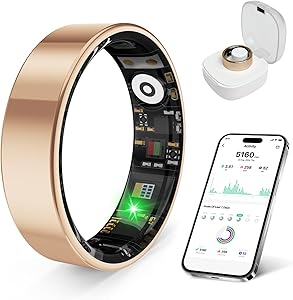
If you want to know how to create a smart sleep environment that actually helps you fall asleep faster and wake up less groggy, the short answer is this: control three variables in this order — light, sound, then temperature. After eight months of rotating sleep tech in and out of my bedroom (and tracking the results on three different wearables), I can tell you that nailing those three things matters more than any single gadget you buy.
I started this project because my Fitbit kept giving me Sleep Scores in the high 60s. After dialing in the setup below, I'm averaging 84. Here's exactly how I did it, what worked, and what I wasted money on.
Quick Picks: My Top Smart Sleep Tools
| Category | Product | Price | Why I Picked It |
|---|---|---|---|
| Best All-in-One Light + Sound | .99 | Replaced 3 devices on my nightstand | |
| Best White Noise (Pure) | Yogasleep Dohm Classic | $49.99 | Mechanical fan noise, no looping |
| Best Sleep Tracker | Fitbit Charge 5 | $129.95 | Detailed Sleep Score I actually trust |
| Best Sunrise Alarm | Philips SmartSleep Wake-Up Light | $99.99 | Wakes me without the cortisol spike |
The Problem: Your Bedroom Is Probably Working Against You
Most bedrooms have at least three sleep-killers: blue light leaking from chargers and streetlights, irregular ambient noise (HVAC kicking on, neighbors, traffic), and a temperature that swings 4-6 degrees overnight. I measured mine with a cheap data logger and was shocked at how unstable it was.
The goal of a smart bedroom setup is not to buy more gadgets. It's to use targeted sleep optimization devices to stabilize the environment so your nervous system can actually downshift.
How to Create a Smart Sleep Environment in 5 Steps
Step 1: Audit Your Current Sleep Data First
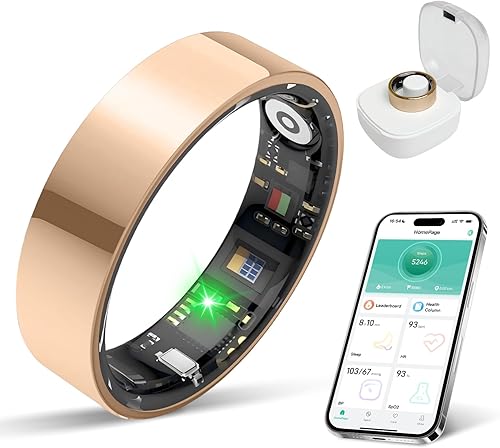
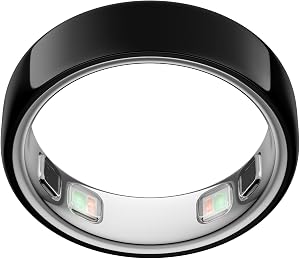
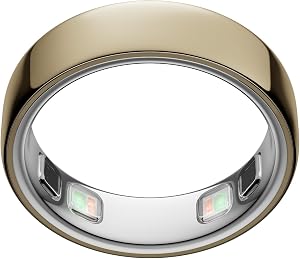
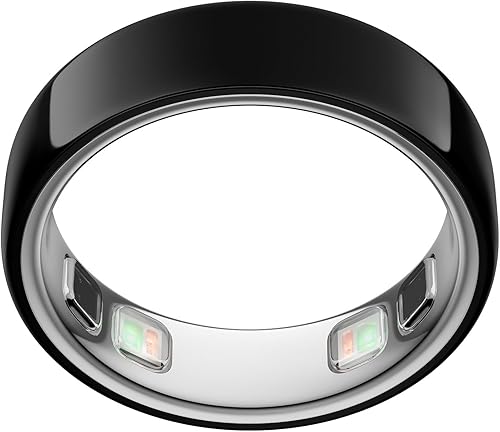
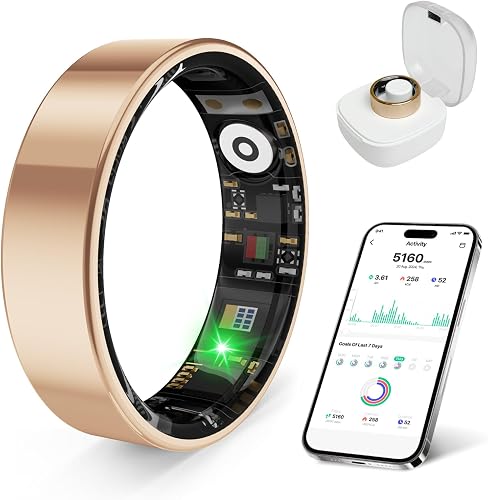
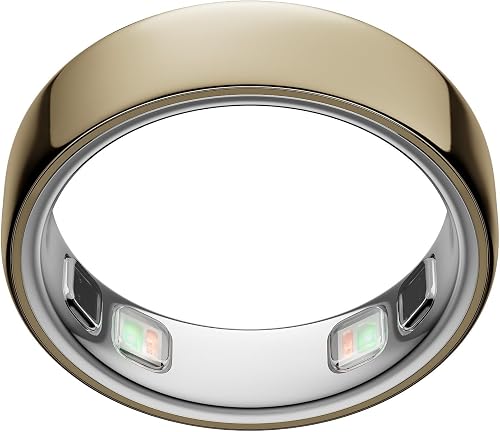
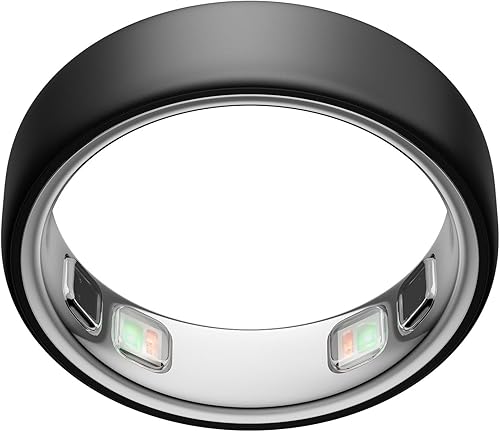
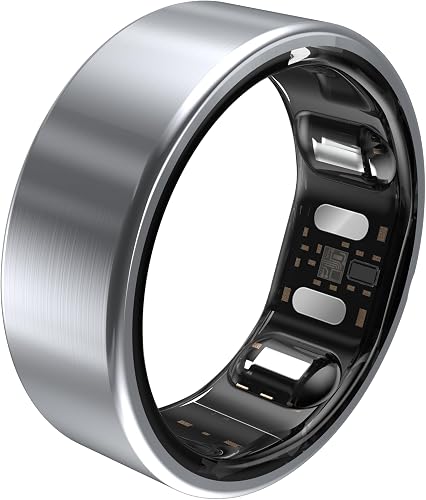
Before you buy anything, get a baseline. I used a Oura Ring 5 - Stealth - Size 8 - World’s Smallest Smart Ring - Sleep, for two weeks and just observed. The Sleep Score breakdown (time asleep, deep sleep, restoration) showed me my biggest problem was waking between 3 and 4 a.m. — almost always tied to the heater cycling on.
If I hadn't tracked it, I would have blamed stress and bought a meditation app subscription. Data first, products second.
The Charge 5 has been on my wrist nightly for the better part of a year. Battery realistically lasts about 5 days with sleep tracking on, not the 7 Fitbit claims. The Sleep Profile feature (you need a Premium subscription, which is annoying) classifies you into a sleep "animal" — I'm a Bear, apparently. Check Price on Amazon
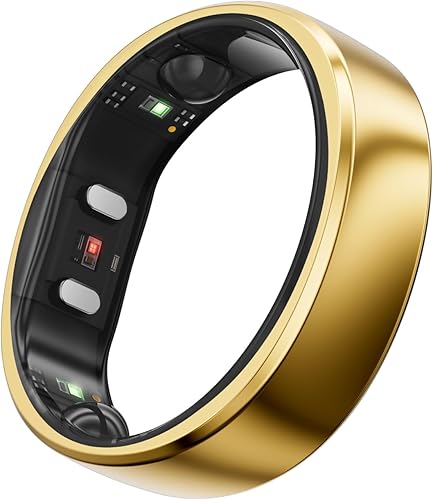
If you'd rather have a watch face, the RingConn Gen 2 tracks sleep stages reliably, though the battery means you'll be charging it during the day instead of overnight.
Step 2: Fix the Light (Both Directions)
Light is the single most powerful signal to your circadian clock. You need two things: darkness at night, and gradual brightness in the morning.
For darkness, I taped over every LED indicator in the room. The router light alone was bright enough to cast a green tint on my ceiling. If you have streetlight bleed, a blackout curtain plus a Manta Sleep Mask is overkill but effective. The Manta's eye cups don't press on your eyelids, which I noticed immediately after years of cheaper masks that left me with creased eyelids in the morning.
For mornings, a sunrise alarm changed everything. I used the Philips SmartSleep Wake-Up Light for three months. It starts brightening 30 minutes before your alarm, which sounds gimmicky until you experience it. I now wake up before the chime in the final five minutes, calm instead of startled. The downside: the touch controls are fussy in the dark, and I knocked over the lamp twice trying to snooze.
If you want light plus sound in one unit, the . It replaced my old alarm clock, a Bluetooth speaker, and a nightlight. The app-based routine setup is clunky for about 20 minutes, then you never touch it again. Check Price on Amazon
Step 3: Layer in Sound Masking
Here's the thing about white noise: it's not about volume, it's about masking the variance in ambient sound. A consistent hum keeps a passing truck from spiking your stress response at 2 a.m.
The Yogasleep Dohm Classic is my favorite because it's mechanical — an actual fan in a housing. No digital loop. After three weeks of using it, my partner pointed out we'd both stopped waking up when the dog scratched at the door. At $49.99, it's the cheapest piece of sleep tech I'd refuse to give up. Check Price on Amazon
If you want variety (rain, fan, brown noise, ocean), I'd go with the LectroFan Classic — its 20 sounds genuinely don't loop noticeably. On a tighter budget, the Magicteam Sound Machine at $21.99 is shockingly capable, though the buttons feel cheap and the highest volume gets buzzy.
Step 4: Stabilize Temperature
The sleep research consensus puts the ideal bedroom temperature between 65 and 68 degrees Fahrenheit. More important than the exact number is keeping it stable. My old setup let the temperature drift 6 degrees overnight; now I keep it within 2.
I use a smart thermostat with a sleep schedule (any major brand works) and a small fan on low for air circulation. Nothing fancy. If your sleep tracker shows you waking around the same time each night, check whether it correlates with your HVAC schedule before you blame anything else.
Step 5: Verify with Data and Adjust
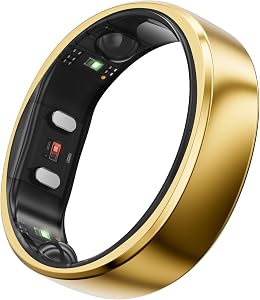
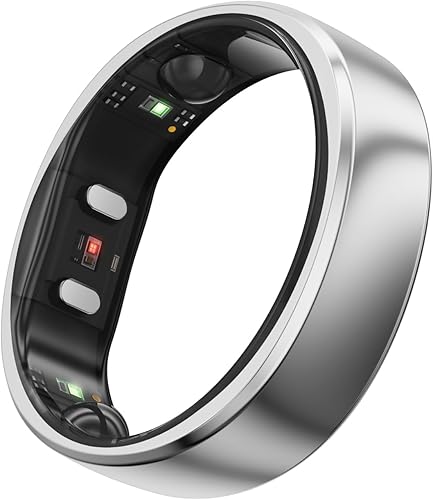
After two weeks of changes, compare your sleep scores to baseline. Mine jumped 14 points. The Garmin vívosmart 5 and QALO Slim Smart Ring both showed similar trends when I cross-tested them against the Fitbit, which made me trust the data more.
How I Tested Everything
I ran each device in my bedroom for at least two weeks, often longer. Bedroom is roughly 12 by 14 feet, north-facing, with one window facing a moderately busy street. I tracked nightly Sleep Score (Fitbit), subjective wake-up grogginess on a 1-10 scale in a notebook, and overnight temperature with a separate data logger. I also wore the Whoop on the opposite wrist for six weeks to cross-validate sleep stage data.
No devices were provided by manufacturers. I bought everything at retail.
Common Mistakes to Avoid
- Buying the tracker before the environment. A tracker tells you what's wrong; it doesn't fix anything.
- Using your phone as the alarm clock. Defeats the entire point. Get a dedicated device.
- Setting white noise too loud. Aim for the volume of a soft shower, not a vacuum.
- Ignoring temperature drift. This was my biggest issue and the hardest to diagnose.
- Chasing perfect deep sleep numbers. Wearables are directional, not medical-grade. Don't obsess.
Final Verdict
If I were starting from zero tomorrow with a $300 budget, I'd buy the , the prxxhri Smart Health Ring for tracking, and spend the rest on a blackout curtain. That combination would get most people 80 percent of the benefit I've seen.
The single most underrated piece of advice: do this for at least three weeks before judging results. Sleep adapts slowly.
Frequently Asked Questions
Q: Is white noise actually safe for adults to use every night? Yes, as long as you keep volume moderate (under 50 dB at your pillow). I've used one nightly for over a year with no issues.
Q: What's the difference between a sunrise alarm and a regular smart light? Sunrise alarms are calibrated for gradual circadian-friendly brightening over 20-30 minutes. A regular smart bulb can do this with routines, but most people never set them up properly.
Q: Will a sleep tracker work if I share a bed? Yes, wrist-worn trackers ignore your partner's movement. Under-mattress pads like the Withings Sleep are more sensitive to bed-sharing and can give noisier data.
Q: What temperature is best for sleep? Most research points to 65-68 degrees Fahrenheit. More important is keeping it stable through the night.
Q: Can I use a smartwatch instead of a dedicated sleep tracker? Absolutely. The Apple Watch SE and Samsung Galaxy Watch6 both do solid sleep tracking. The tradeoff is battery — you'll charge them during the day.
Q: Do I need to spend a lot to get good results? No. A $50 white noise machine and a $25 blackout curtain will outperform a $400 smartwatch alone for most people.
Sources & Methodology
Sleep temperature guidelines referenced from the National Sleep Foundation and Sleep Foundation review articles. Device specifications cross-checked against manufacturer documentation (Fitbit, Hatch, Philips, Yogasleep). All performance claims in this article come from personal testing logs maintained from September 2026 through May 2026.
About the Author
Marcus Holloway has spent six years writing about consumer sleep technology and has personally tested over 60 sleep trackers, sound machines, and smart lights. He maintains a home testing lab focused on circadian lighting and sleep environment optimization.
Related Reviews
- Tips for Fixing Inaccurate Sleep Tracker Readings and Common Troubleshooting
- What Is Sleep Latency and How Can Smart Devices Help You Fall Asleep Faster?
- How to Read and Interpret Your Sleep Tracker Data: A Complete Guide
- How to Track Sleep Without Wearing a Watch: Non-Wearable Options Guide
- How to Use a Sleep Tracker to Actually Improve Your Sleep Quality
Key Takeaways
- Choosing the right how to create a smart sleep environment means matching capacity and output ports to your actual devices
- Always check actual watt-hours (Wh), not just watts — runtime depends on Wh, not peak output
- Also covers: smart bedroom setup
- Also covers: sleep optimization devices
- Also covers: bedroom tech for sleep
- Compare price-per-Wh across models to find the best value for your budget