If your partner kicks off the covers while you're shivering, the eight sleep pod 4 dual zone temperature setup is the fix. The Pod 4 (and Pod 4 Ultra) heats or cools each side of the mattress independently from roughly 55°F to 110°F, so a hot sleeper can chill their side to the mid-60s while the cold sleeper warms theirs into the 80s. To get it working: set up each user as a separate profile in the Eight Sleep app, link each profile to the correct side of the bed, run an Autopilot calibration for 7-10 nights, then fine-tune bedtime, mid-sleep, and wake temperatures based on your partner's feedback. Below is the full workflow, plus the sleep trackers we pair with the Pod 4 to verify whether your eight sleep pod 4 dual zone temperature setup is actually delivering deeper sleep for both of you.
Why dual-zone matters when partners run different temperatures
Core body temperature has to drop about 1-2°F for you to fall asleep and stay in deep sleep. A partner who runs hot (often due to higher muscle mass, hormones, or a faster metabolism) needs active cooling to hit that drop, while a partner who runs cold may actually need gentle warming to stop shivering-induced micro-arousals. A standard mattress and shared thermostat forces a compromise that leaves one of you under-slept. The Pod 4's water-based hydro-membrane runs two completely separate temperature loops, so the eight sleep pod 4 dual zone temperature setup lets each side hold a different setpoint within roughly 1°F of accuracy.
Step 1: Create two profiles before you sleep on it
Open the Eight Sleep app, tap the profile icon, and invite your partner via email. They install the app, accept, and choose their side (left or right as you face the foot of the bed). Critical: the side selection in the app must match the side they physically sleep on, or every temperature command will go to the wrong half of the mattress. Verify by running a manual test - bump one profile to 100°F for two minutes and feel which side warms.
Step 2: Set baseline bedtime and wake schedules per person
Each profile has its own sleep schedule. The hot sleeper might set bedtime to 10:30 PM at -8 (cold) and wake at 6:30 AM at +2 (slightly warm to ease wake-up). The cold sleeper might set bedtime at +4, mid-sleep at +2, and wake at +6. The numeric scale runs from -10 (coldest, ~55°F) to +10 (warmest, ~110°F). Don't try to guess Fahrenheit values yet - the scale is intentionally relative so Autopilot can learn your sleep stages.
Step 3: Let Autopilot calibrate for 7-10 nights
Autopilot is the Pod 4's adaptive engine. It reads heart rate variability, respiratory rate, and movement from the in-mattress sensors, then nudges temperature up or down across the night to extend deep and REM sleep. For the first week, leave both profiles in Autopilot mode and resist tweaking. The system needs a baseline of your sleep patterns to know whether dropping the hot side another 2 degrees actually buys you more deep sleep, or whether it pushes you into shivering.
Step 4: Fine-tune after the calibration window
After 10 nights, review the app's sleep fitness scores. If the hot sleeper still wakes up sweating around 3 AM, drop the mid-sleep setting by 2 points. If the cold sleeper reports stiff shoulders, bump their bedtime setting up by 2 and watch whether deep sleep improves. Change only one variable per night, per side, and give it 3 nights to settle.
Verifying your setup with an independent sleep tracker
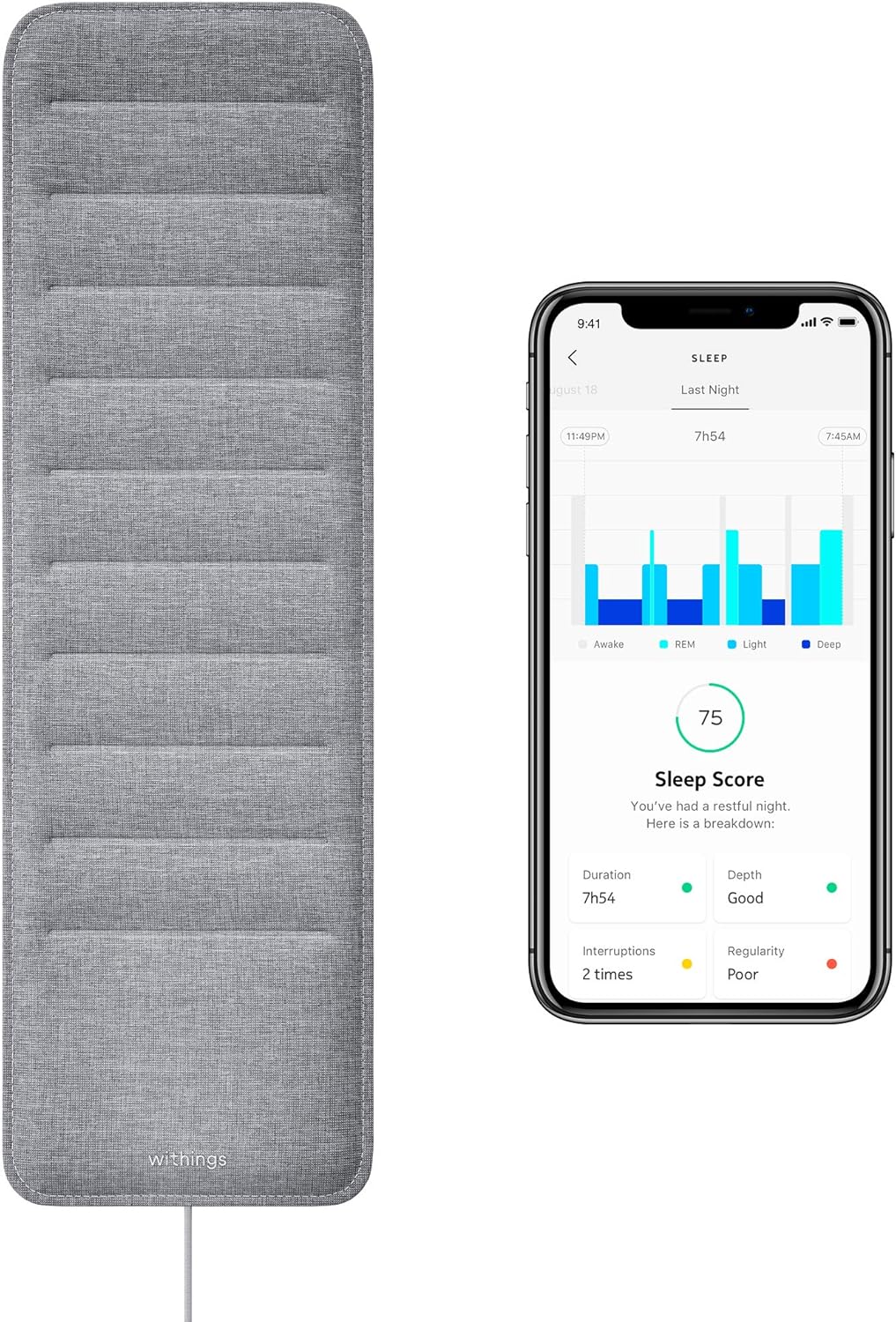
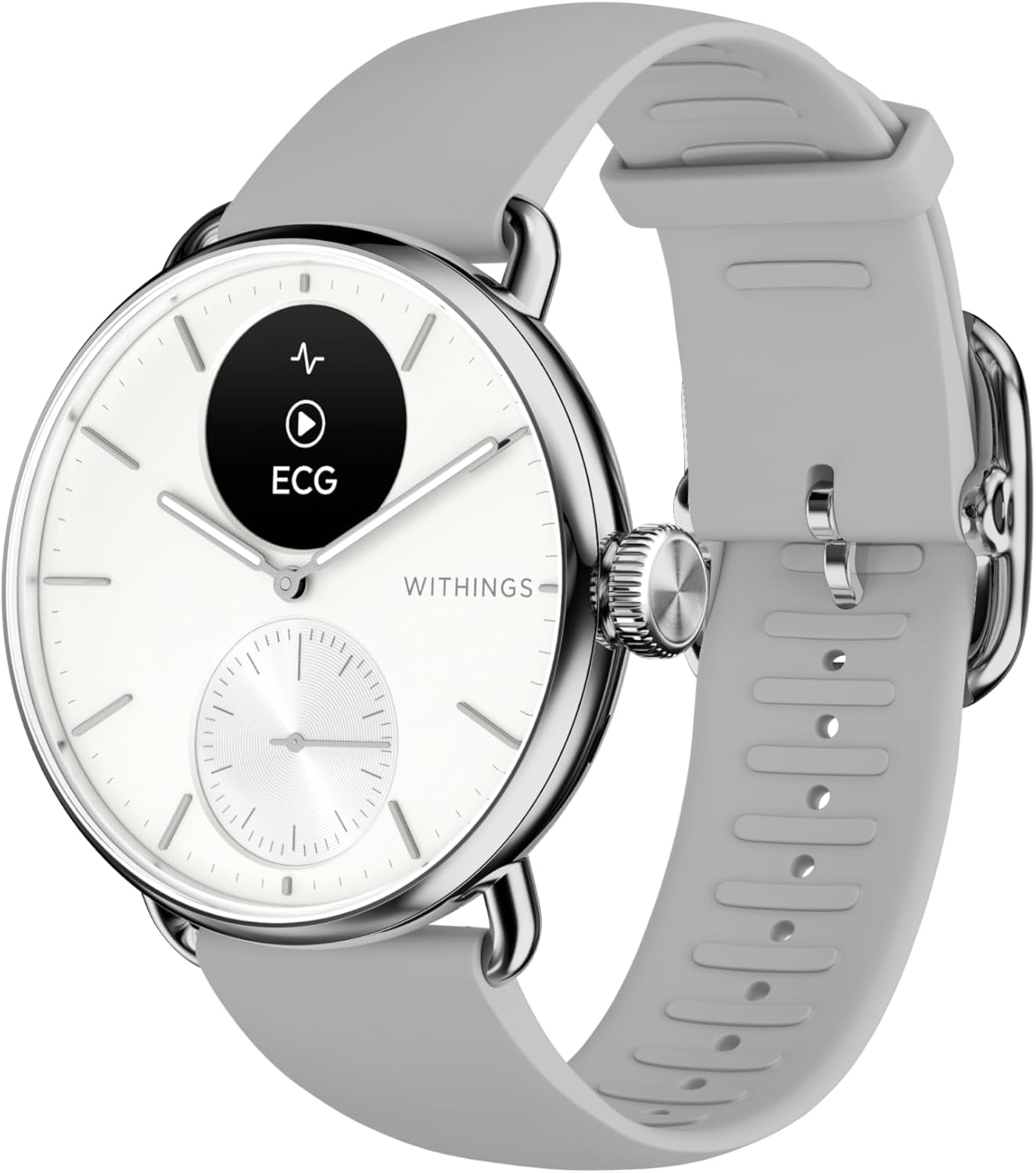
The Pod 4's built-in sensors are good, but pairing each partner with a wearable sleep tracker gives you a second opinion on whether the eight sleep pod 4 dual zone temperature setup is actually improving sleep architecture - not just comfort. We use trackers that log skin temperature deviation, HRV, and time in each sleep stage so we can see deep-sleep minutes climb (or not) as we adjust setpoints. See our 2026 guide to sleep trackers for couples for the full breakdown.
Comparison: sleep trackers we pair with the Eight Sleep Pod 4
| Tracker | Form factor | Skin temp tracking | Best for | Subscription |
|---|---|---|---|---|
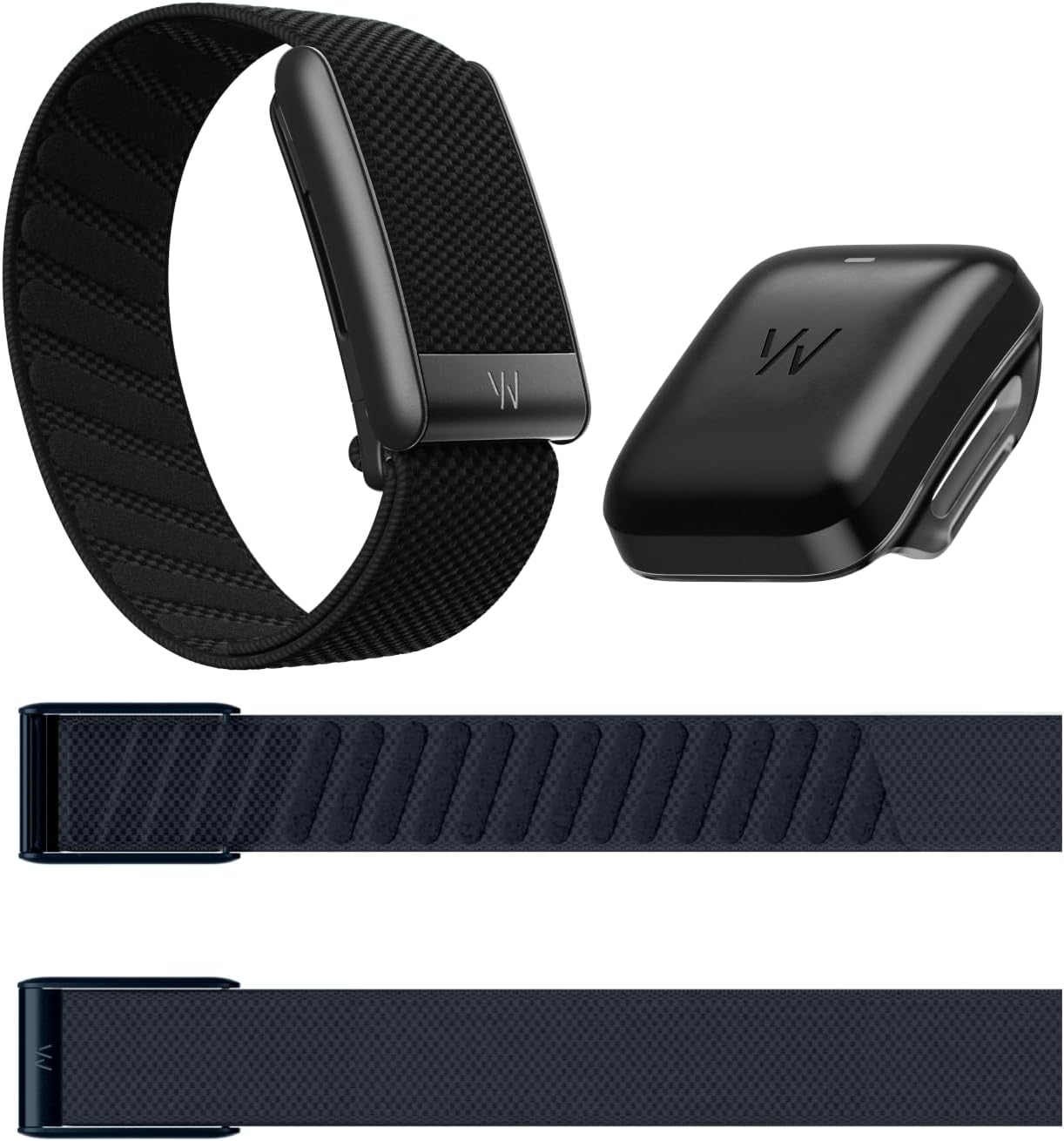
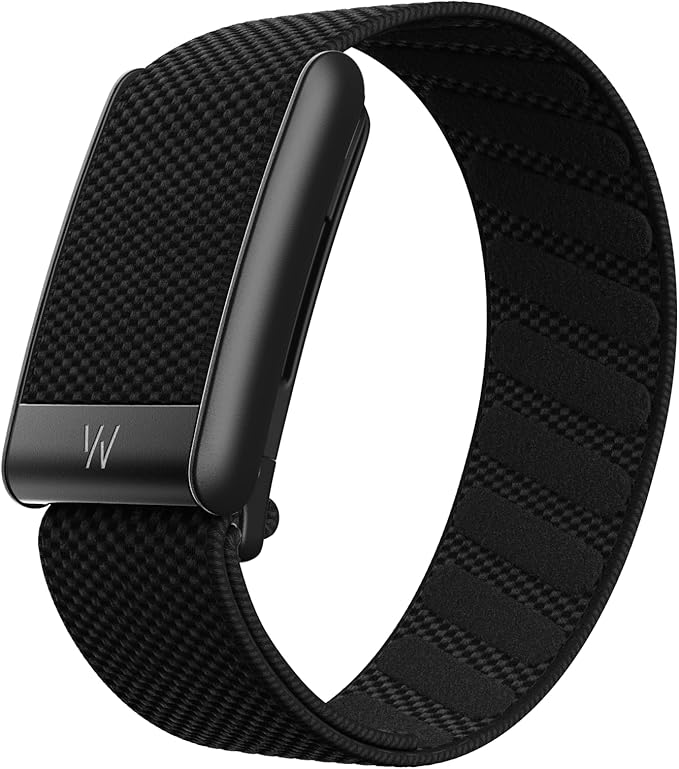
| WHOOP 5.0/MG | Wrist band, no screen | Yes, continuous | Hot sleeper validating cooling | 12-month included |
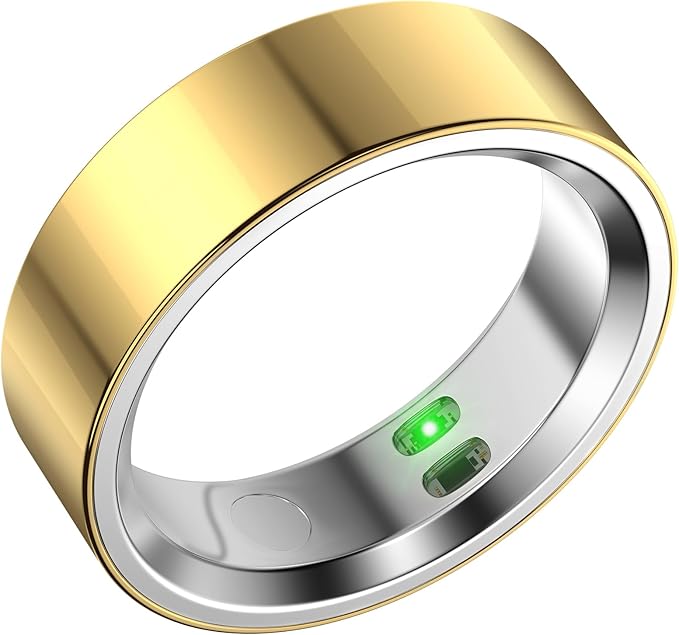
| RQZ Smart Ring | Ring | Yes | Partner who hates wrist wear | None |
| Fitbit Inspire 3 | Slim wrist band, screen | Nightly variation | Cold sleeper wanting at-a-glance score | Premium optional |
| Fitbit Air | Screenless clip/band | Yes | Minimalist partner | Premium optional |
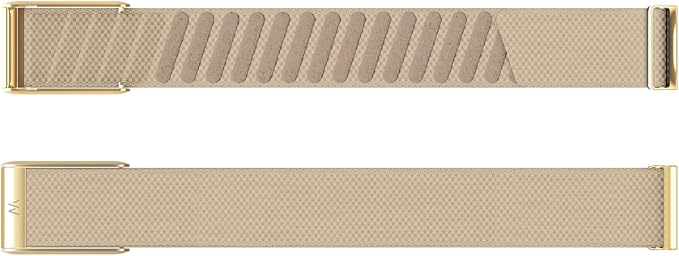
| WHOOP SuperKnit Luxe | Accessory band | n/a (band only) | Existing WHOOP users wanting comfort upgrade | n/a |
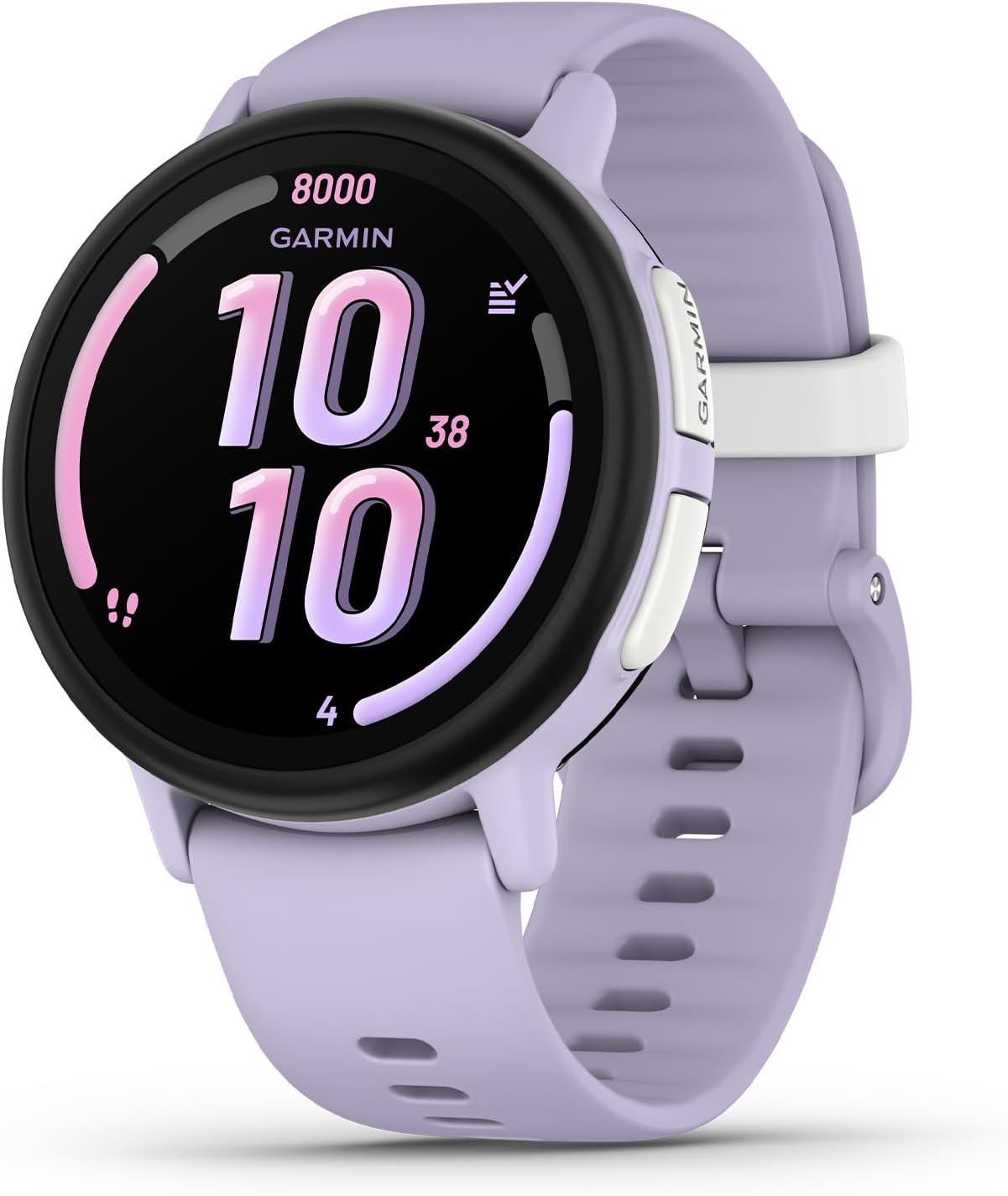
WHOOP 5.0/MG Activity Tracker (12-Month Membership)
For the partner who runs hot, the WHOOP 5.0/MG is the strongest second opinion on the Pod 4's cooling. It has no screen to distract from sleep, tracks continuous skin temperature, and its Sleep Performance score weights restorative sleep separately from total time in bed - so you can watch deep-sleep minutes climb as you drop the Pod 4's setpoint. The 12-month membership is bundled, so there's no add-on bill while you dial in your eight sleep pod 4 dual zone temperature setup. Check the WHOOP 5.0/MG on Amazon.
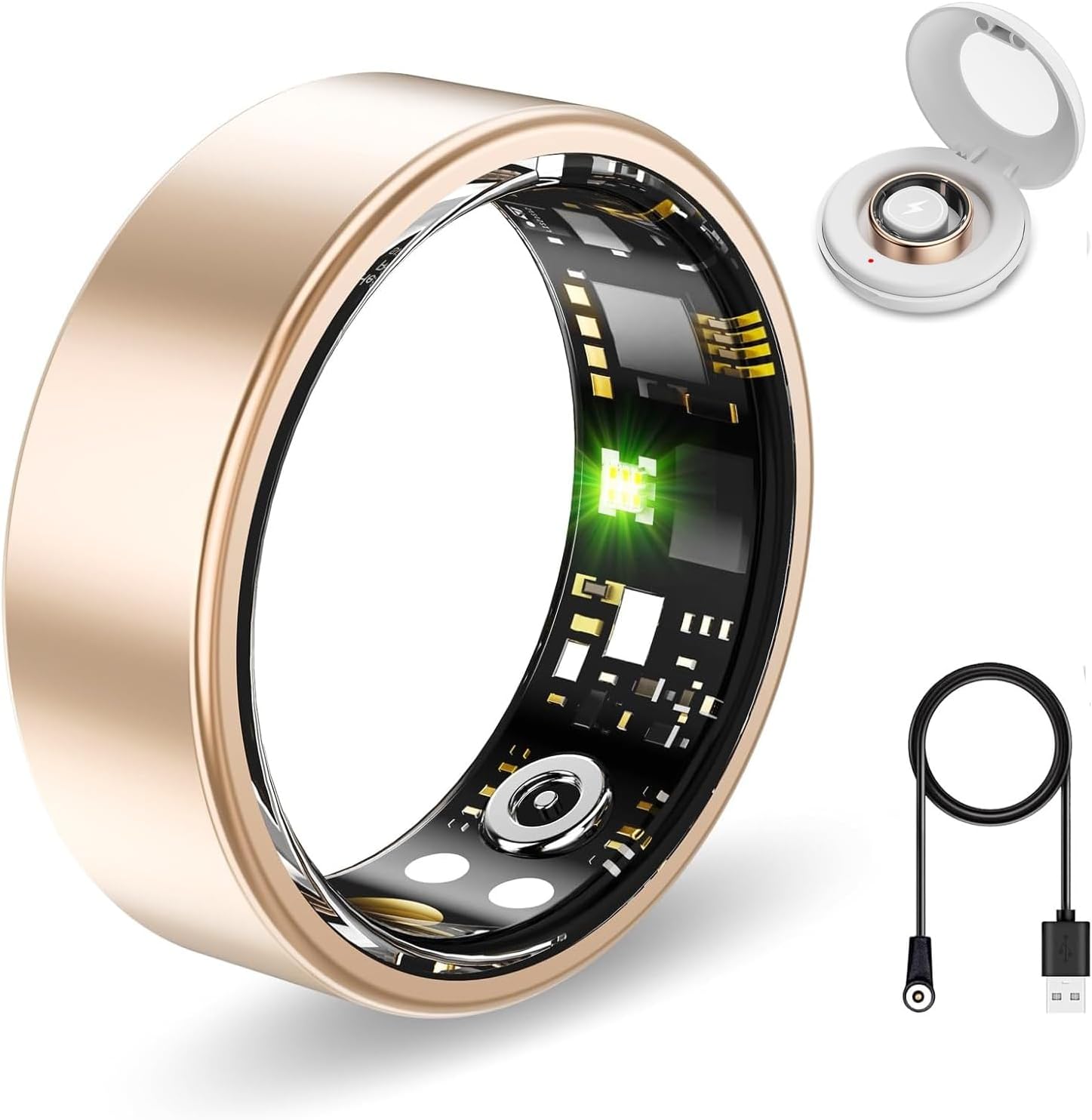
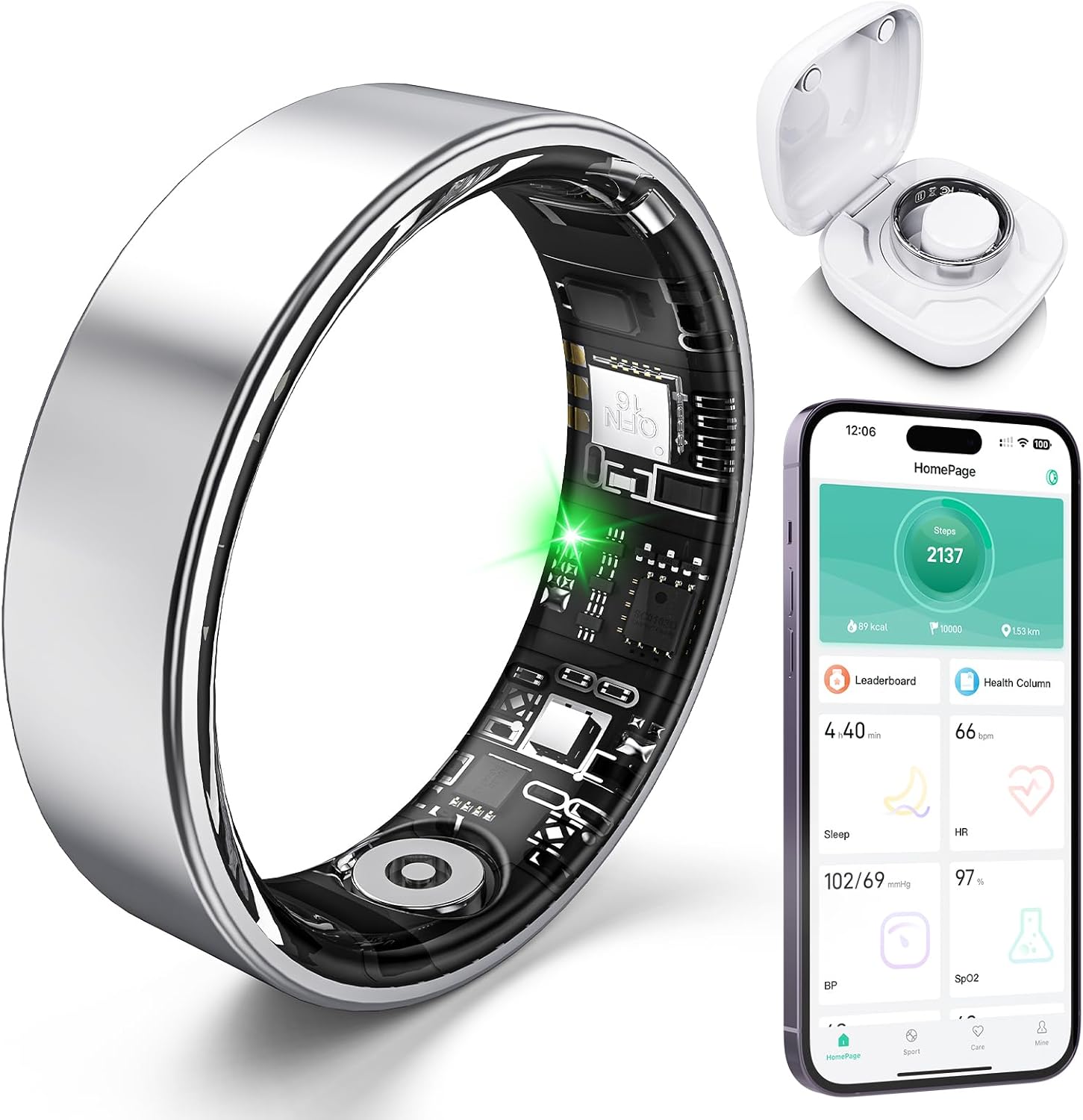
RQZ Smart Ring with Heart Rate & Sleep
If your partner refuses to wear anything on their wrist (common for the cold sleeper who is already bundled in long sleeves), a ring is the answer. The RQZ Smart Ring logs heart rate, HRV, and sleep stages overnight without any pressure on the radial artery, and it has no monthly fee - useful if only one of you wants ongoing tracking. Pair it with the Pod 4's app data to cross-reference whether warmer setpoints are actually extending the cold sleeper's deep sleep. See the RQZ Smart Ring on Amazon.
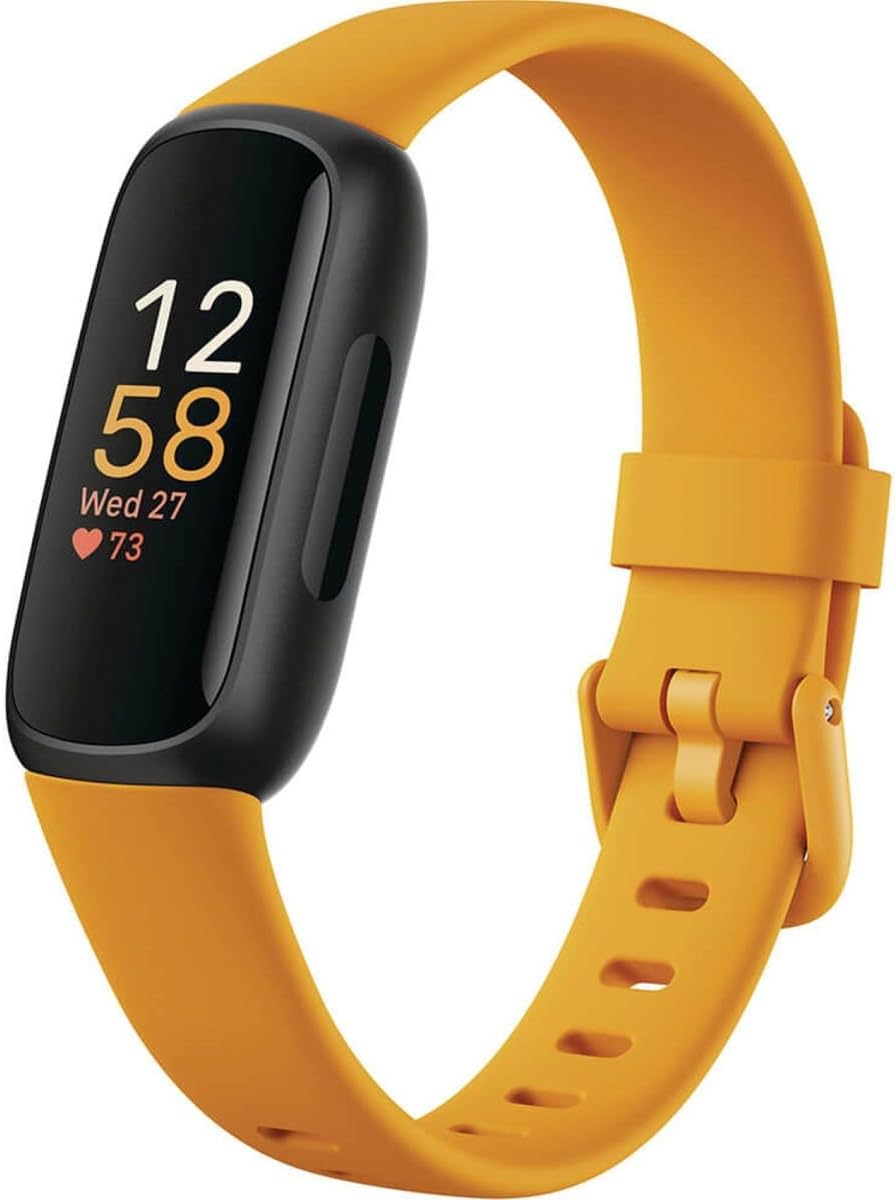
Fitbit Inspire 3 Health & Fitness Tracker
The Inspire 3 is the easiest entry point if neither of you has used a sleep tracker before. The slim band is comfortable for side sleepers, the daily Sleep Score is straightforward, and skin-temperature variation is logged nightly so you can spot if the Pod 4 is overshooting on the cold side. A 10-day battery means you actually keep wearing it long enough to validate your Pod 4 schedule changes. Check the Fitbit Inspire 3 on Amazon.
Google Fitbit Air Screenless Activity & Sleep Tracker
The Fitbit Air is the screenless minimalist option in the Fitbit lineup - good for a partner who finds wrist screens distracting at 2 AM. It still feeds the Fitbit app's sleep stage tracking, which is useful for couples who want both partners on the same dashboard for easy comparison while tuning the Pod 4. See the Fitbit Air on Amazon.
WHOOP 5.0/MG SuperKnit Luxe Performance Accessory
If one of you already wears a WHOOP and the standard strap feels rough against the wrist during long, cool nights on the Pod 4, the SuperKnit Luxe band is a softer alternative that doesn't compromise on sensor contact. It's a band only - no sensor module - so this is strictly an upgrade for existing WHOOP owners. Check the SuperKnit Luxe on Amazon.
Common dual-zone mistakes to avoid in 2026
The most common failure mode is setting both sides identically because "the average should work." It won't - that defeats the entire reason you bought a dual-zone bed. The second-most-common: overriding Autopilot every night during calibration. The third: cooling so aggressively that the cover gets cold to the touch from the outside, which can chill the cold sleeper through the mattress if they roll over. If you suspect lateral bleed, raise the cold side by 2 points and lower the hot side by 1 - the relative gap is what matters, not the absolute floor.
For more on building a complete sleep stack, see our pieces on cooling toppers for hot sleepers and smart alarm clocks that sync with your sleep tracker.
Frequently Asked Questions
Can the Eight Sleep Pod 4 really run two different temperatures at the same time?
Yes. The Pod 4 has two independent water loops feeding the left and right halves of the cover, each driven by its own valve in the Hub. The temperature gap between sides can be as wide as roughly 50°F - one side at 55°F, the other near 110°F - though most couples settle within a 10-15°F spread once Autopilot is dialed in.
What is the best Eight Sleep Pod 4 temperature for a hot sleeper next to a cold sleeper?
Most hot sleepers settle around -6 to -8 (roughly 60-65°F) at bedtime, drifting toward -3 around 4 AM. The cold partner typically lands at +4 to +6 (roughly 80-85°F) at bedtime, easing back toward neutral by morning. Start with these ranges and let Autopilot refine them based on your HRV and movement data.
How long does it take for the Pod 4 to actually feel cool or warm after I change the setting?
The Pod 4 reaches a new setpoint in roughly 2-5 minutes for small changes (under 5 degrees) and up to 10 minutes for a full swing from neutral to maximum cooling. Plan bedtime changes 10 minutes before you actually get in bed so the cover is ready when you lie down.
Will the Eight Sleep Pod 4 sync with my WHOOP or Fitbit sleep data?
The Eight Sleep app reads its own in-mattress sensor data and does not directly import WHOOP or Fitbit nightly summaries. The practical workflow is to keep both apps open and compare deep-sleep minutes and HRV trends side by side - they should move in the same direction when you tune the Pod 4 correctly. If they diverge, trust the wearable's HRV over the Pod 4's comfort rating.
Does the Eight Sleep Pod 4 dual zone setup work if only one partner has an account?
Technically yes, but you lose half the value. With one profile, Autopilot averages both sleepers' biometrics, which defeats individualized tuning. Always create two profiles, even if the second person rarely uses smart features - they still get their own temperature schedule.
Can the Pod 4 wake one partner without disturbing the other?
Yes. The Pod 4 supports per-side silent vibration alarms and per-side gradual warming wake-ups. If the cold sleeper wakes at 6 AM and the hot sleeper sleeps until 7, schedule the warm-up and vibration on the cold side only - the hot side remains at its cool overnight setpoint.
Is the Eight Sleep Pod 4 worth it in 2026 if we already own good sleep trackers?
If both partners have similar temperature preferences and already sleep well, probably not - a quality cooling topper is cheaper. But if one of you wakes up sweating and the other wakes up shivering on the same mattress, dual-zone active climate control is the only solution that actually fixes the root cause. Your existing trackers become the validation layer that proves it's working.
Key Takeaways
- Choosing the right eight sleep pod 4 dual zone temperature setup means matching capacity and output ports to your actual devices
- Always check actual watt-hours (Wh), not just watts — runtime depends on Wh, not peak output
- Also covers: eight sleep partner temperature settings
- Also covers: pod 4 hot sleeper cold sleeper
- Also covers: dual zone cooling mattress setup
- Compare price-per-Wh across models to find the best value for your budget