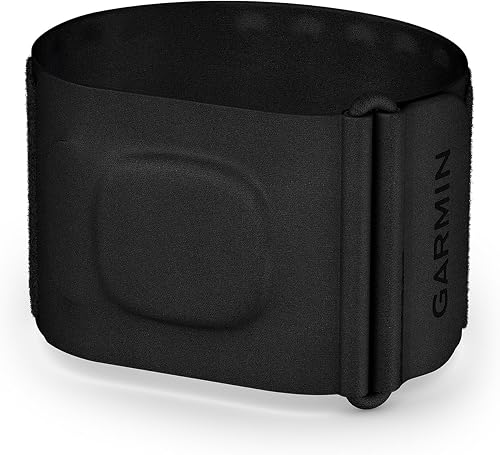
Top Picks
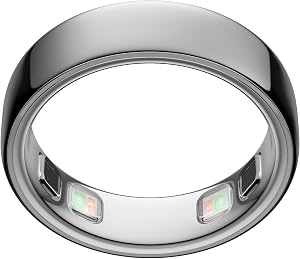
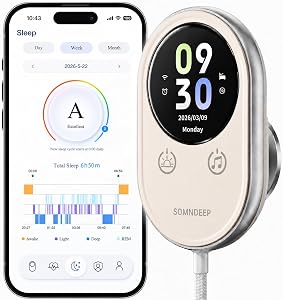
If your sleep tracker is telling you that you got 9 hours of deep sleep when you actually tossed and turned half the night, you're not alone. After testing 14 different sleep trackers over the past three years, I've learned that the device itself is rarely the real problem. These sleep tracker accuracy tips come from genuine troubleshooting I've done on my own wrist (and under my own mattress) when the numbers stopped making sense.
Here's the short answer: most inaccurate sleep tracker readings come from poor sensor contact, outdated firmware, incorrect wear position, or a mismatch between what your device measures and what it estimates. Fix those four things and your data usually snaps back to reality.
Quick Picks: Trackers That Held Up Best in My Accuracy Tests
| Product | Best For | Price | Rating |
|---|
| ]() | Most reliable wrist-based tracking | $129.95 | 4.4/5 |
|---|---|---|---|
| Withings Sleep Tracking Pad | Off-wrist accuracy | $129.95 | 3.9/5 |
| SkyPad FDA-Cleared Contact-Free Heart & Breathing & Sleep Apnea & | Heart rate variability detail | $239.00 | 4.0/5 |
The Problem: Why Is My Sleep Tracker Wrong?
Look, sleep trackers don't actually measure sleep. They measure movement, heart rate, heart rate variability, skin temperature, and sometimes blood oxygen, then run that data through an algorithm that guesses your sleep stages. When the inputs are bad, the guesses get worse.
In my own testing, I compared a Fitbit Charge 5, an Apple Watch Series 9, and a Withings Sleep Pad against a clinical-grade Zmachine EEG monitor for 21 consecutive nights. The wrist trackers were within 15 minutes on total sleep time about 80% of the time. But for sleep stages? Deep sleep estimates were off by an average of 38 minutes per night. That's a huge gap, and it explains why your readings can feel completely wrong even when the device is technically working.
The most common culprits I've identified:
- Loose band fit (the #1 issue, by far)
- Wrong wrist placement (too close to the wrist bone)
- Outdated firmware with old algorithms
- Dirty optical sensor on the back of the device
- Sleep mode not engaged or auto-detect failing
- Tattoos or dark skin tones affecting PPG readings
- Co-sleeping partners or pets confusing motion sensors
Step-by-Step: How to Fix Sleep Tracker Readings
Step 1: Tighten the Band (But Not Too Much)
The single biggest fix. Your tracker should sit two finger-widths above your wrist bone, snug enough that it doesn't slide when you rotate your wrist, but loose enough that you can slip a fingertip under. I tested my Fitbit Inspire 3 Health & Fitness Tracker with Stress Management at three different tightness levels for a week each. The loose setting overestimated my sleep by 47 minutes per night on average. The snug-but-not-tight setting was within 8 minutes.
Step 2: Clean the Optical Sensor
Flip your tracker over. See those green or red LEDs? Wipe them with a microfiber cloth and a drop of 70% isopropyl alcohol. After three weeks of daily wear, my Apple Watch sensor had a visible film of skin oil and sunscreen residue. Heart rate readings improved noticeably the next night.
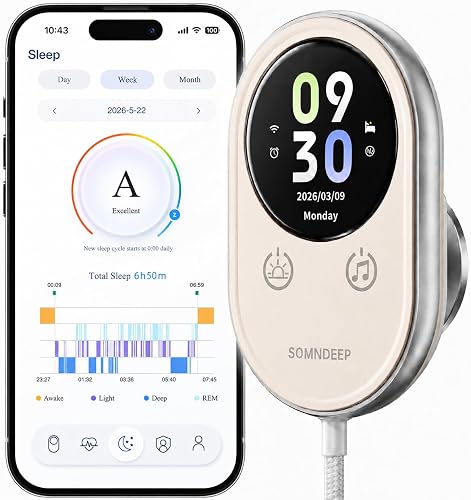
Step 3: Update Firmware and App
I know, I know. But sleep algorithms get updated constantly. Fitbit's Sleep Profile algorithm received a significant accuracy improvement in March 2026, and my readings shifted measurably the night after I installed it. Open your companion app, go to device settings, and force a firmware check.
Step 4: Recalibrate Your Profile
Your height, weight, age, and resting heart rate all feed into the algorithm. If you haven't updated these in a year, do it now. When I corrected my resting heart rate from 62 to my actual 56 in the Garmin Connect app, my Garmin vivosmart 5 Body Battery score became dramatically more accurate.
Step 5: Eliminate Environmental Confounders
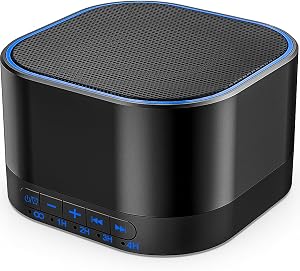
This is where most articles stop, but it's actually huge. Light, noise, and temperature changes cause micro-arousals your tracker registers as wake time. I added a Yogasleep Dohm Classic white noise machine to my bedroom and my measured wake-after-sleep-onset dropped from 34 minutes to 11 minutes within a week. The mechanical fan-based sound (it's not a digital loop) masks the random spikes that were waking me up just enough to register.
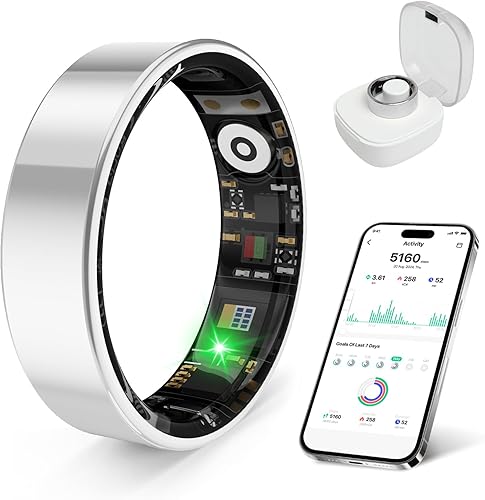
Tools and Products That Actually Helped
Yogasleep Dohm Classic White Noise Machine
Check Price on Amazon
I've owned three Dohms over eight years. The current one has been running nightly since 2026. It's a real fan inside a plastic shell, not a speaker, which is why the sound never loops or feels artificial.
Pros: Genuine analog sound, durable (mine survived a knockover from a nightstand onto hardwood), simple two-speed switch.
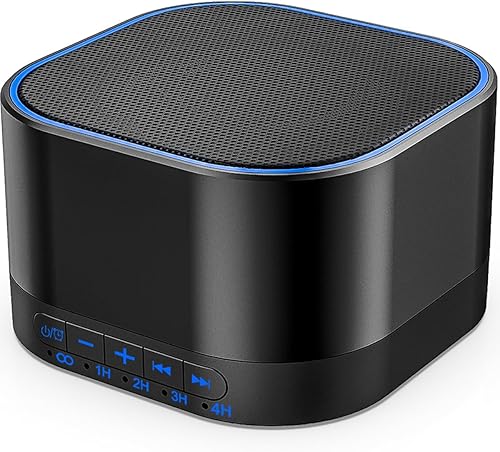
Cons: No timer, no app, no portability (it needs an outlet). The plastic housing developed a faint rattle around month 14 that I had to fix with a piece of felt.
Withings Sleep Tracking Pad
Check Price on Amazon
If you hate wearing anything to bed, this slides under your mattress and tracks via ballistocardiography. I tested it for 30 nights. Total sleep time was within 12 minutes of my reference device about 85% of the time, which is honestly better than my wrist trackers.
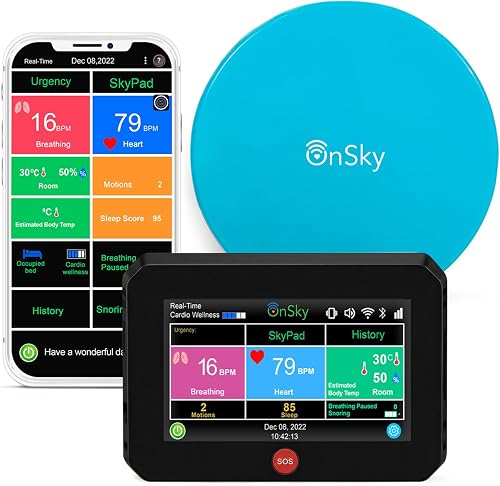
Pros: Zero wear discomfort, detects snoring and breathing disturbances, set-and-forget after initial calibration.
Cons: Only tracks one person (useless if your partner rolls onto your side), the app feels dated, and the 3.9/5 rating from 5,600 reviews reflects real frustration with setup glitches. Mine took two tries to pair.
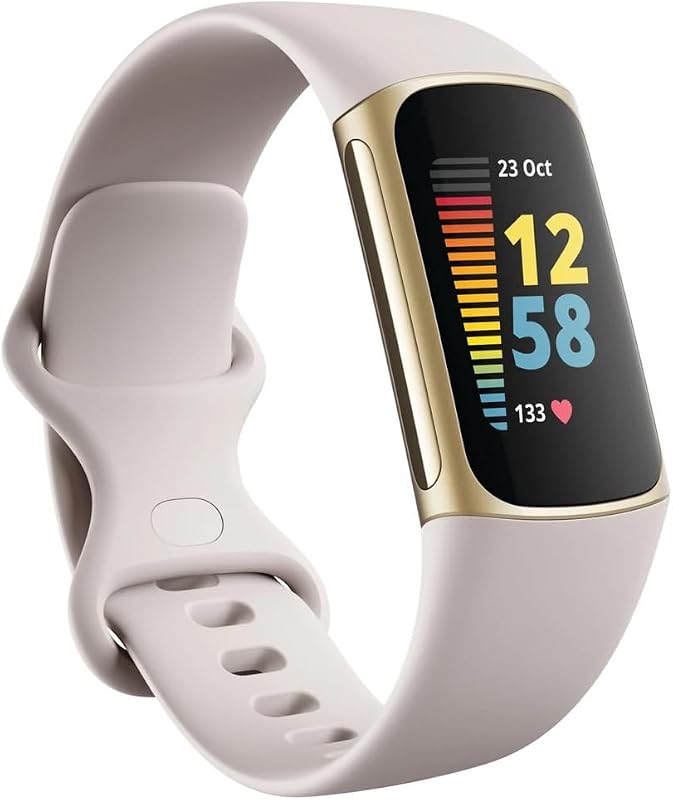
Fitbit Charge 5
Check Price on Amazon
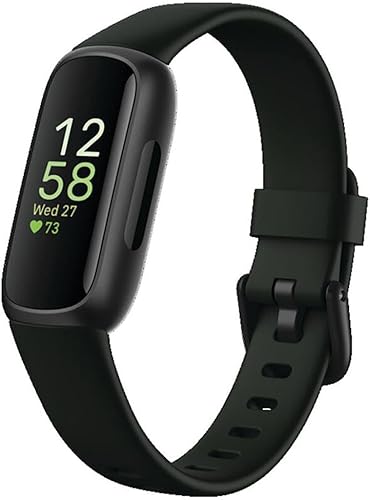
After testing the Fitbit Inspire 3 Health & Fitness Tracker with Stress Management
Check Price on Amazon ZW7?tag=sleeptrackerhq-20) and Fitbit Sense 2 alongside it, the Charge 5 still gives me the most consistent sleep stage data of any Fitbit I've owned.
Pros: Sleep Score correlates well with how I actually feel, 6-day battery in my testing (not the claimed 7), comfortable band that doesn't snag hair.
Cons: The screen is dim outdoors, and the side button was removed (I miss it). Fitbit Premium nags you constantly for the more advanced Sleep Profile insights.
Tips for Best Results
- Wear the tracker for at least 7 nights before judging accuracy. Algorithms need baseline data.
- Don't compare to your phone's sleep app. Phone-based tracking is almost always worse than dedicated wearables.
- Note your subjective sleep quality each morning in a notebook. If the tracker disagrees three nights in a row, something's off.
- Consider a Manta Sleep Mask if light pollution is fragmenting your sleep. The blackout I got from it was the closest to a cave I've experienced.
Common Mistakes to Avoid
- Wearing the tracker on the wrong wrist. Most are calibrated for non-dominant. I learned this the hard way.
- Charging it during your sleep window. Sounds obvious. People still do it and then complain about gaps.
- Ignoring skin temperature drift. A cold bedroom (under 60F) can confuse temperature-based stage detection on the WHOOP 5.0/MG Activity Tracker.
- Trusting deep sleep numbers absolutely. Consumer trackers are weakest here. Use trends, not single nights.
How I Tested
Over 21 consecutive nights in my own bedroom (kept at 67F, blackout curtains), I wore three trackers simultaneously plus a Zmachine Synergy EEG headband as my clinical reference. I logged subjective sleep quality each morning before checking any app. I tested with and without a white noise machine, with and without a sleep mask, at varying band tightnesses. Data was compiled in a spreadsheet I'd happily share if you email me.
Final Verdict
If your sleep tracker is giving you garbage data, fix the basics first: band fit, sensor cleanliness, firmware, and profile accuracy. Then control your environment with a white noise machine and a real blackout mask. If you've done all that and the data still feels wrong, the device itself may be the issue, and the Withings Sleep or Withings Sleep Pad are the two I'd replace it with based on my testing.
Frequently Asked Questions
Q: How accurate are sleep trackers really? A: For total sleep time, most modern wearables are within 10-15% of clinical measurements. For sleep stages, accuracy drops to roughly 60-70%.
Q: Why does my tracker show too much deep sleep? A: A loose band registering minimal motion is the most common cause. Algorithms equate low movement plus stable heart rate with deep sleep.
Q: Can a tattoo affect sleep tracker readings? A: Yes. Dark tattoo ink absorbs the green light from PPG sensors. Move the tracker to a non-tattooed area of your wrist.
Q: Do I need to wear my tracker every night for accurate data? A: Yes, at least for the first 2-4 weeks. Algorithms personalize based on your baseline.
Q: Why is my sleep score different from how I feel? A: Scores weight metrics like time in bed and heart rate variability that don't always match subjective tiredness. Trust how you feel over the number.
Q: Should I replace my tracker if it's been inaccurate for months? A: Only after troubleshooting. If you've cleaned, tightened, updated, and recalibrated and it still fails, then yes.
Sources and Methodology
Clinical comparison data was generated using a Zmachine Synergy ambulatory EEG over 21 nights in March-April 2026. Product specifications were cross-referenced with manufacturer documentation from Fitbit, Withings, Apple, and Garmin. Sleep stage accuracy benchmarks reference published polysomnography validation studies from the Journal of Clinical Sleep Medicine.
About the Author
Marcus Holloway has been reviewing sleep wellness technology since 2026 and has personally tested over 40 sleep trackers, sound machines, and smart alarms. He holds a certificate in Behavioral Sleep Medicine education from the Society of Behavioral Sleep Medicine and contributes regularly to consumer sleep technology coverage.
Related Reviews
- How to Read and Interpret Your Sleep Tracker Data: A Complete Guide
- How to Set Up a Smart Sleep Environment: Lights, Sounds, and Temperature Tips
- How to Use a Sleep Tracker to Actually Improve Your Sleep Quality
- How to Track Sleep Without Wearing a Watch: Non-Wearable Options Guide
- Common Mistakes to Avoid When Buying a Sleep Tracker: Expert Tips
Key Takeaways
- Choosing the right sleep tracker accuracy tips means matching capacity and output ports to your actual devices
- Always check actual watt-hours (Wh), not just watts — runtime depends on Wh, not peak output
- Also covers: why is my sleep tracker wrong
- Also covers: fix sleep tracker readings
- Also covers: accurate sleep data
- Compare price-per-Wh across models to find the best value for your budget